Selenia User Guide
Chapter 6—The User Interface
MAN-03270 Revision 003 77
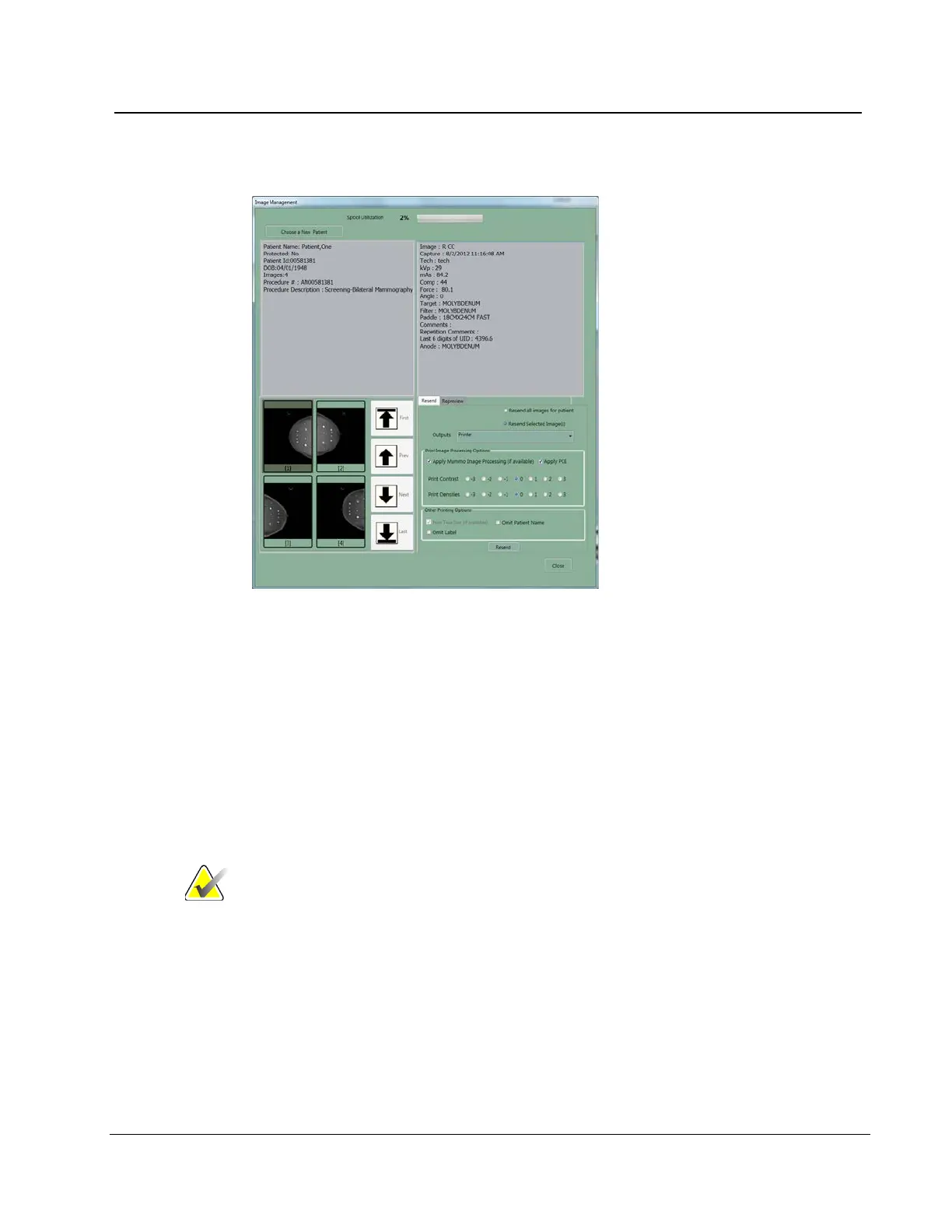
6.2.8.2.6 The Resend Options
Figure 55: Image Management Resend Options
1. Select the Resend button.
• To resend all images on the hard disk drive for this patient, select Resend All
Images.
• To resend selected images, select the thumbnails of the images to resend, then
select the Resend Selected button.
2. Select the Output from the drop-down list.
3. If the selected Output has a printer, select the Print Image Processing Options.
4. Select the Resend button.
5. Select the OK button.
Note
You cannot change any patient or image object information
from the resend function. This includes image, LUT
modifications and DICOM information such as Patient name
spelling, ID, and comments. To send new information you
must make a new file with the Repreview function, save it,
and Resend the new file.












 To Next Page