HEATING SYSTEM CONTROL
314 213 563 / 03
5.9 Week programs
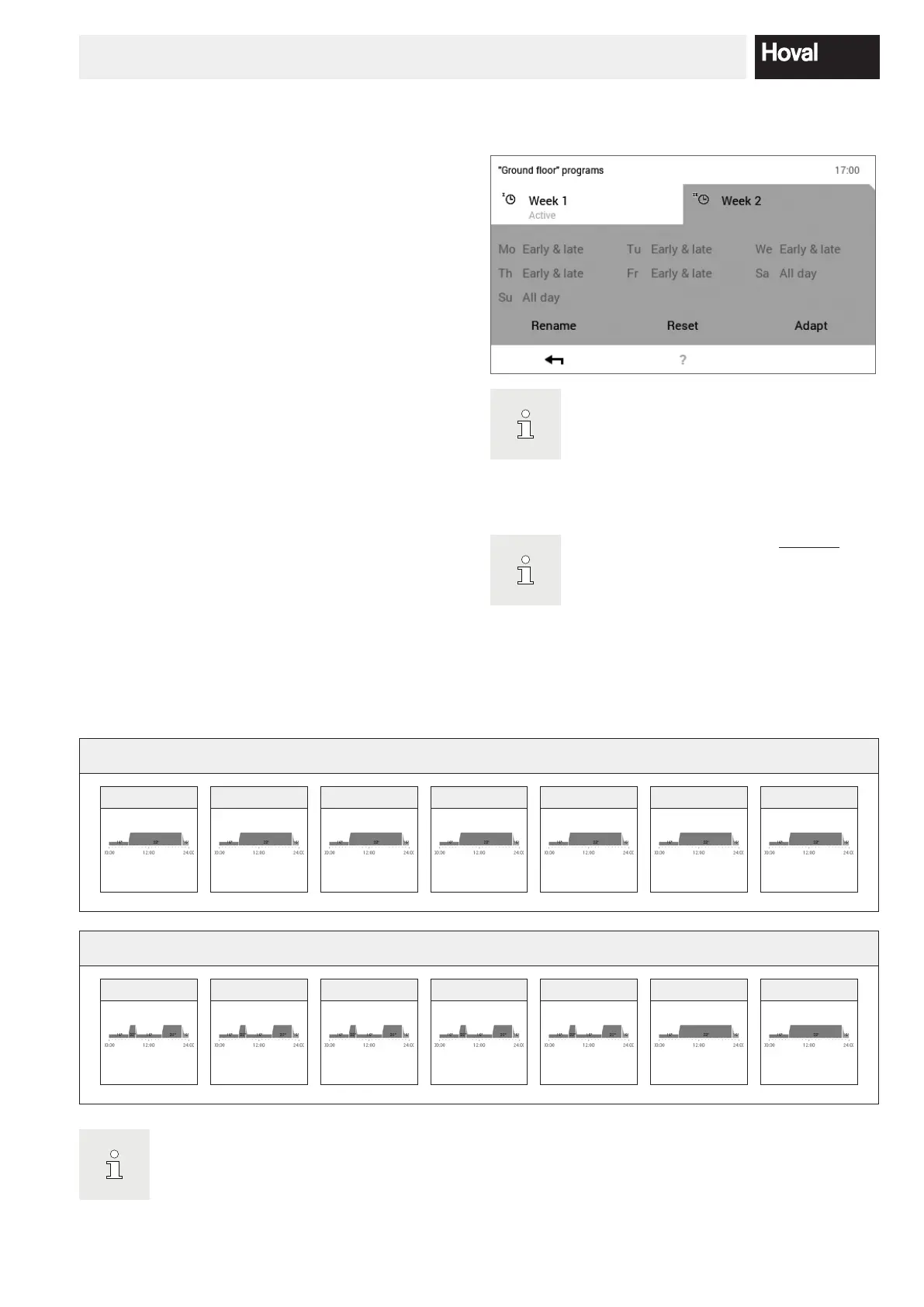
The Week 1 and Week 2 operating modes integrated in
the basic programs are referred to as week programs.
These enable you to plan your individual weekly rhythm
(example: working week, early shift, late shift, etc.). To
make the selection easier for you, it is possible to edit
the names of the week program individually. In this case,
each day of the week keeps its own day program with in-
tegrated switching cycles (5.10 page 40). You can also
adapt these to your personal requirements and assign
them to the week program.
Refer to 5.9.4 page 34 for a detailed de
scription of editing the week programs.
5.9.1 Week program default settings
The predened week programs (Week 1 and Week 2) are
used as default settings and can be activated using the
Week 1 and Week 2 basic programs as operating mode.
They can be edited individually (5.9.4 page 34) and
renamed (5.9.5 page 36). Changed week programs
can be reset to the default settings (see below) (5.9.6
page 38).
Resetting the week programs does not
the day programs they include!
Week program default settings:
Week 1
Monday Tuesday Wednesday Thursday Friday Saturday Sunday
All day All day All day All day All day All day All day
Week 2
Monday Tuesday Wednesday Thursday Friday Saturday Sunday
Early & late Early & late Early & late Early & late Early & late All day All day
Attention: Each heating circuit has two week programs. These can be composed of ve dierent day pro
grams (5.10 page 40). These day programs only apply in the particular heating circuit and are indepen
dent from the programs in other circuits!




 To Next Page