Frame
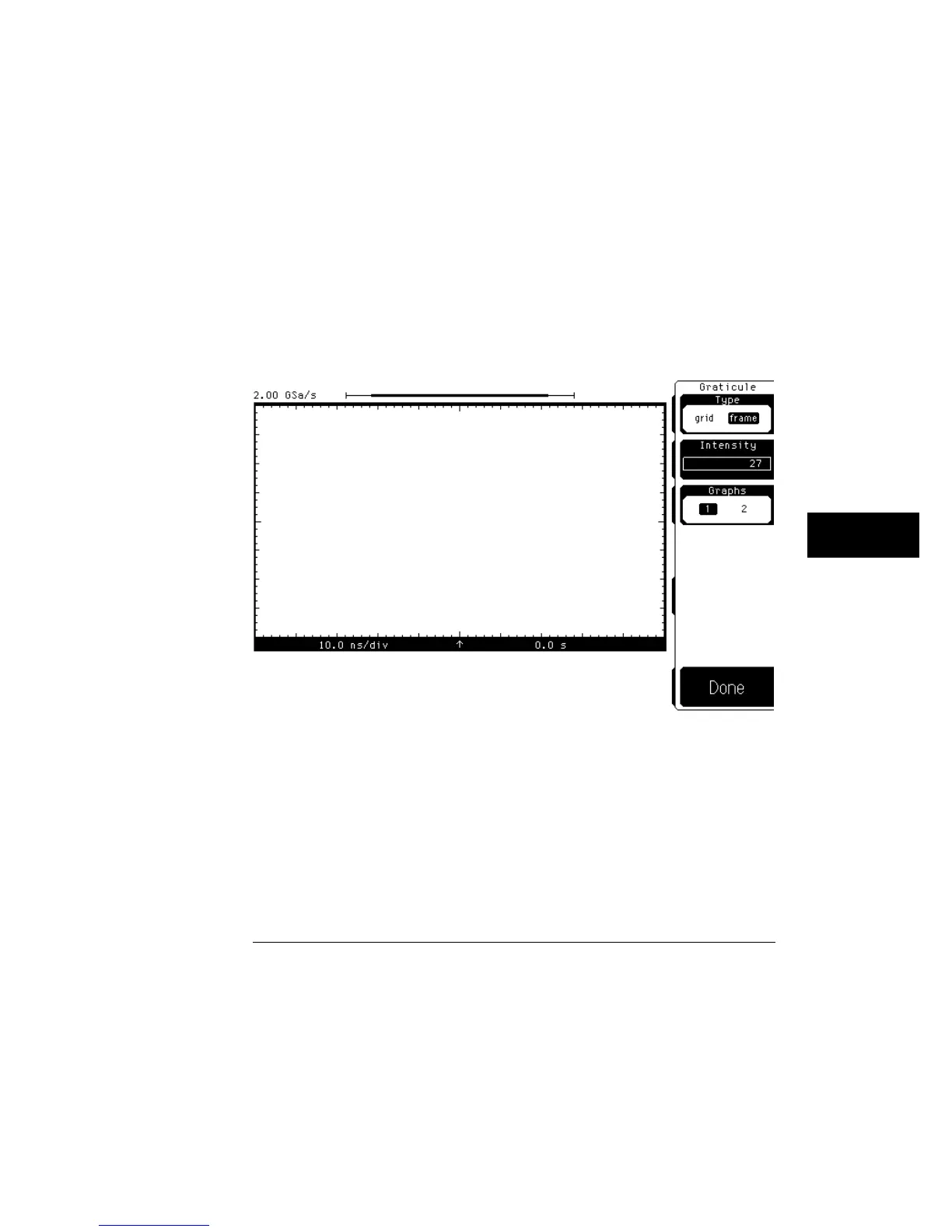
Frame displays a border around the waveform-display area with
ten major horizontal and eight vertical major divisions marked on the
border. Figure 9-6 shows the screen in the frame mode.
Use the frame mode when printing to a monochrome printer, so that the
graticule lines do not obscure the waveform data.
Intensity
Intensity controls the brightness of the horizontal and vertical graticule
markings. You can vary the brightness from 0 (off) to 100 (very bright). Use
the knob, arrow keys, or keypad to set the intensity level of the graticule.
You can also change the color of the graticule in the color menu.
Screen in frame mode using one graph
Figure 9-6
Display Menu
Graticule
9–11



 To Next Page