Graphs
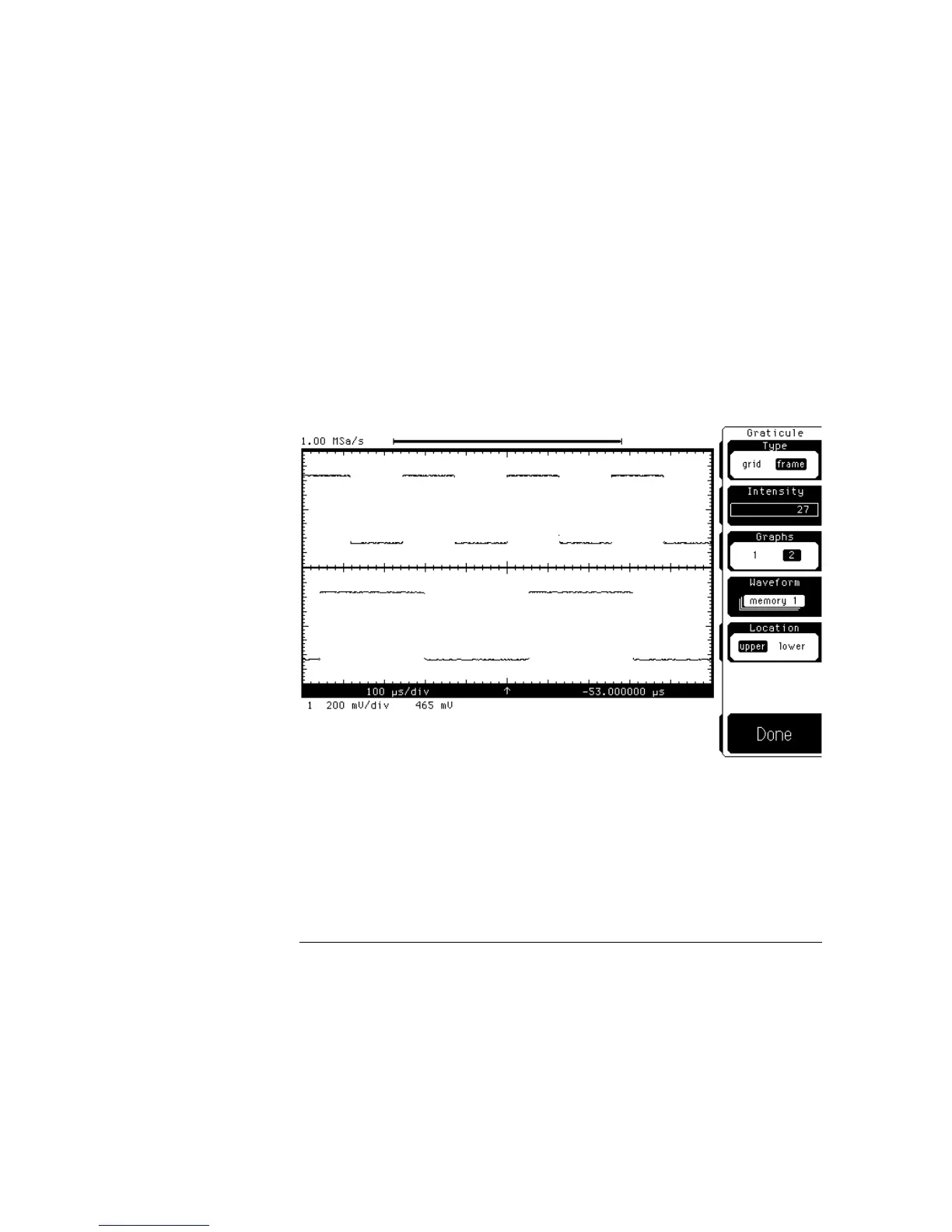
With one graph, all displayed waveforms are in a single waveform viewing
area. With two graphs, the waveform viewing area is divided in half. You can
use the Waveform and Location softkeys to position any displayed waveforms
in either of the two graphs. Figure 9-7 shows the screen divided into two
graphs. The upper graph is channel 1 while the lower graph is waveform
memory 1.
Waveform
Waveform lets you select from channels, functions, or
memories. Whatever is selected with the Waveform softkey is placed
into the graph chosen by the Location softkey.
Location
Location lets you select either the upper or lower graph.
When you select upper or lower, whatever you selected with the
Waveform softkey is displayed in the graph.
Screen in frame mode using two graphs
Figure 9-7
Display Menu
Graticule
9–12



 To Next Page