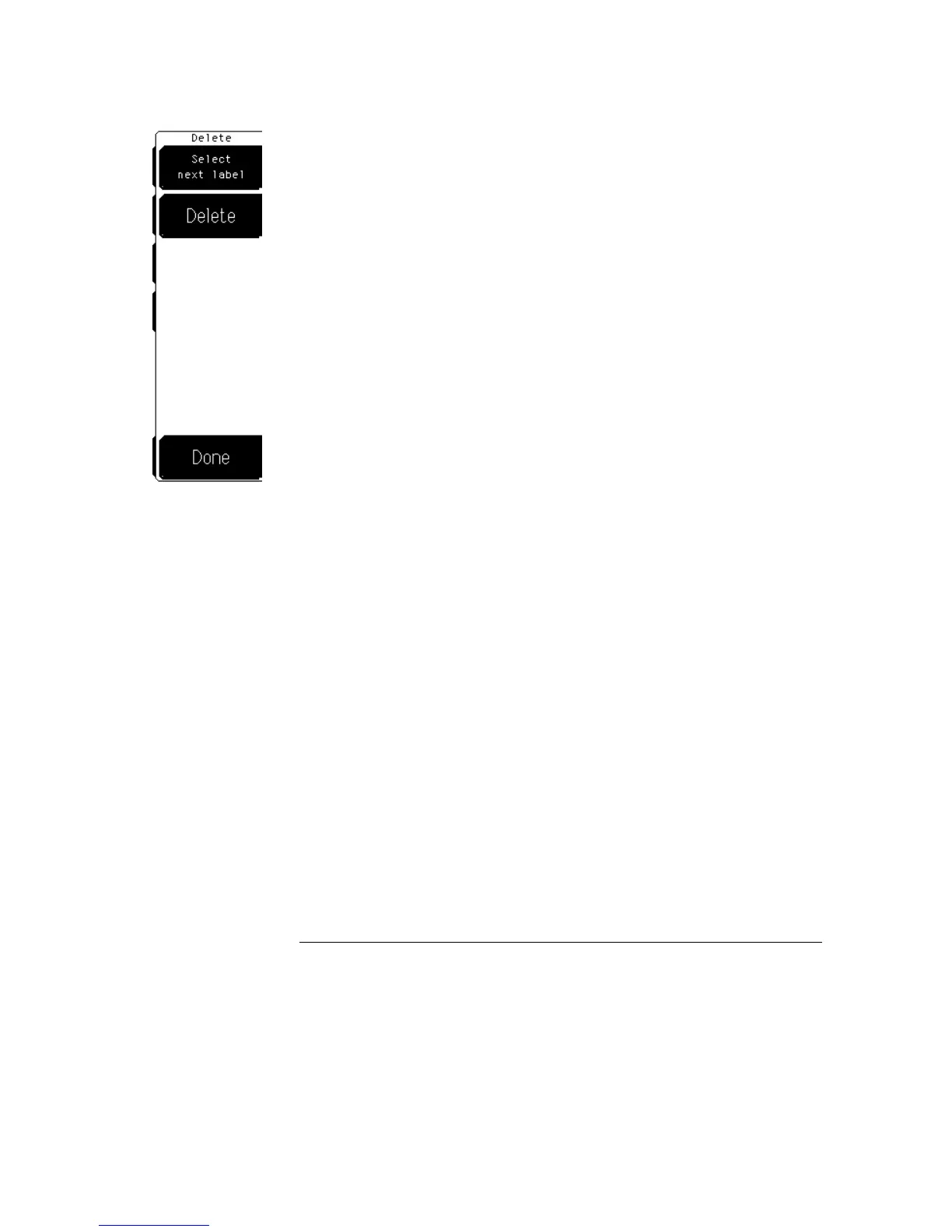
Delete
The Delete softkey allows you to delete a label from the display.
Select next label
The Select next label softkey allows you to select the
label you want to delete. When you enter the menu, the first label you
defined is highlighted. Each subsequent press of the softkey rotates
through the remaining defined labels until you end up on the first label
again.
Delete
The Delete softkey erases the the selected label from the display.
You must select a label (highlighted) before you can delete it.
Display Menu
Label
9–16



 To Next Page