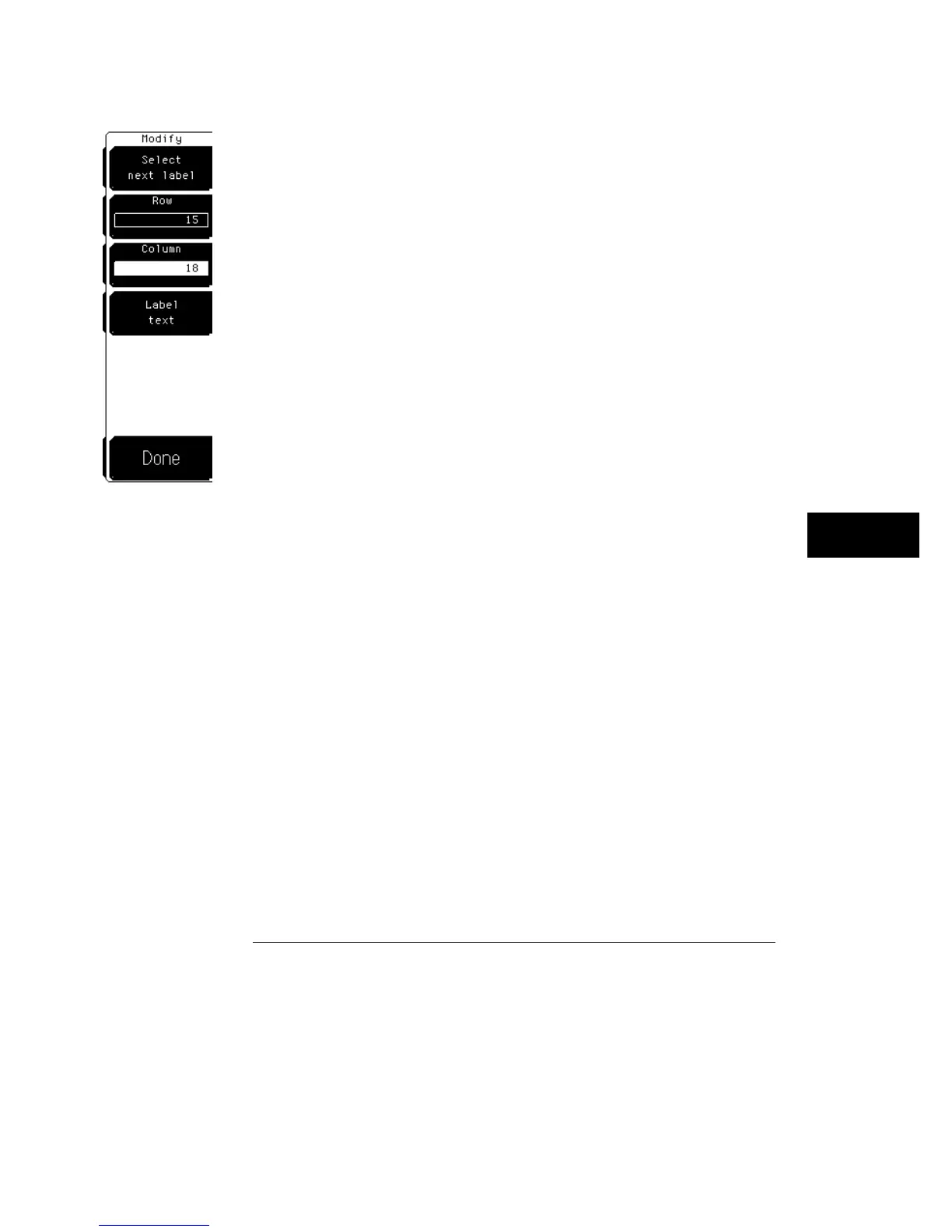
Modify label
The Modify label softkey allows you to either reposition or change the text of
an already defined label.
Select next label
The Select next label softkey allows you to select
which label you want to modify. When you enter the menu, the first label
you defined is highlighted. Each subsequent press of the softkey rotates
through the remaining defined labels until you end up on the first label
again.
You must select a label (highlighted) before you can change its position or
modify its text.
Row
The Row softkey allows you to select one of the 19 vertical rows
where you want the label to move to.
Column
The Column softkey allows you to select one of the 64
horizontal columns where you want the label to move to.
Label text
The description of the Label text softkey is the same as the
description under "Define new label," except that this softkey is used to
modify the text of an existing label.
Display Menu
Label
9–15



 To Next Page