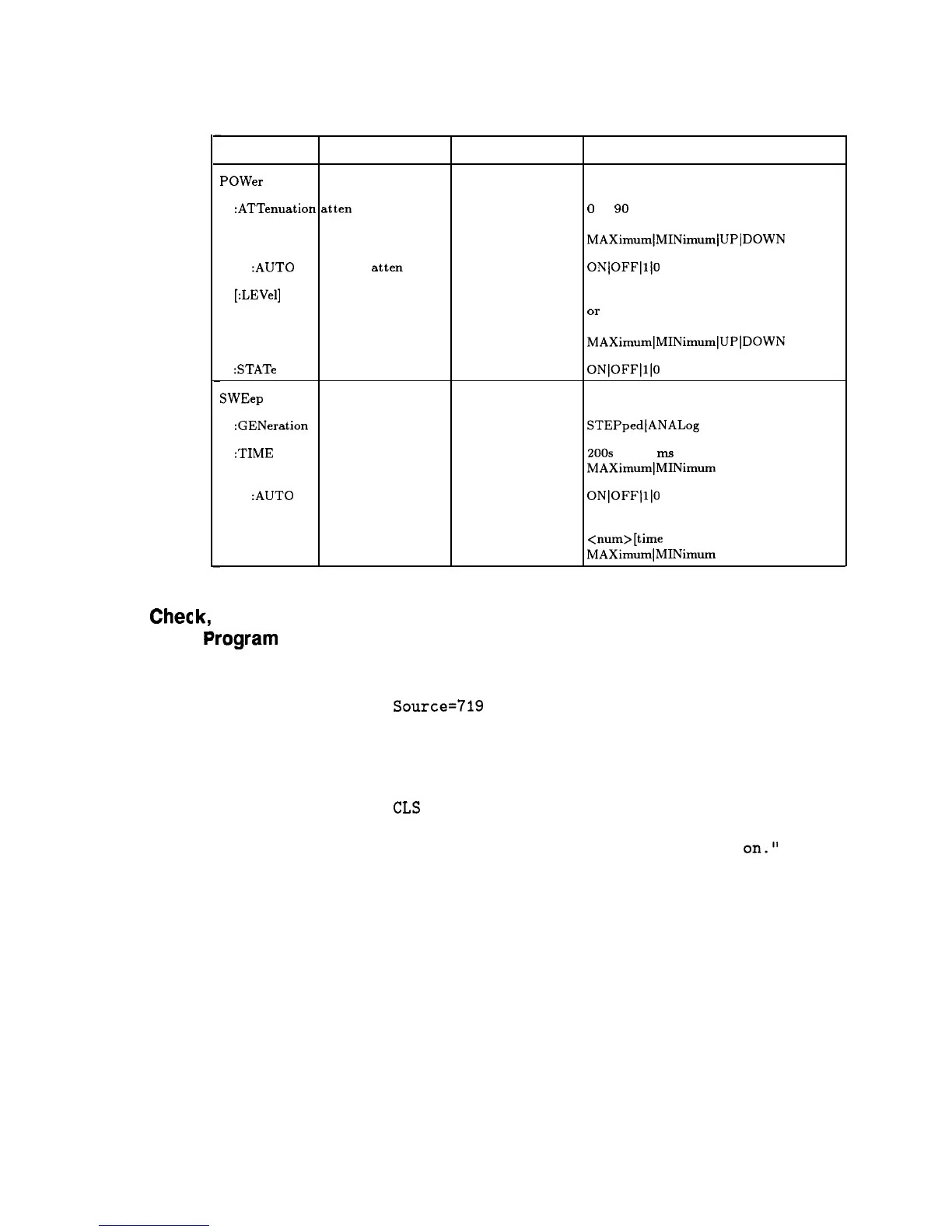
Table 1-4. Sample Synthesizer Commands (continued)
HP-IB
Chec
Command Parameters
POWer
:ATTenuation atten setting
:AUTO
coupled atten
[:LEVel]
output level
Parameter Type Allowed Values
extended numeric
0
to 90 [DB] or
MAXimum]MINimum/UPlDOWN
Boolean
ONjOFF]l/O
extended numeric
specified power range
Or
MAXimum]MINimum]UP]DOWN
:STATe RF on/off
Boolean ON]OFF]l]O
SWEep
:GENeration type of sweep
discrete
STEPpedlANALog
:TIME
sweep time
extended numeric
200s
to 133
ms
or
MAXimumlMINimum
:AUTO
auto sweep Boolean
ON]OFF]l]O
time switch
:LLIMit
fastest sweep
time
extended numeric
<num>[time
suffix] or
MAXimumlMINimum
Example
This first program is to verify that the HP-IB connections and
lrogram
1
interface are functional. Connect a controller to the synthesizer
via an HP-IB cable. Clear and reset the controller and type in the
following program:
10
20
30
40
50
60
70
80
90
Source=719
ABORT 7
LOCAL Source
CLEAR Source
REMOTE Source
CLS
PRINT "The source should now be in REMOTE."
PRINT "Verify that the 'REMOTE' LED is
on."
END
Run the program and verify that the REMOTE LED is lit on the
synthesizer. If it is not, verify that the synthesizer address is set to
19 and that the interface cable is properly connected.
If the controller display indicates an error message, it is possible that
the program was entered in incorrectly. If the controller accepts the
REMOTE statement but the synthesizer REMOTE LED does not
turn on, perform the operational checks as outlined in the respective
Operating and Service Manuals to find the defective device.
1-88 Getting Started Programming



 To Next Page