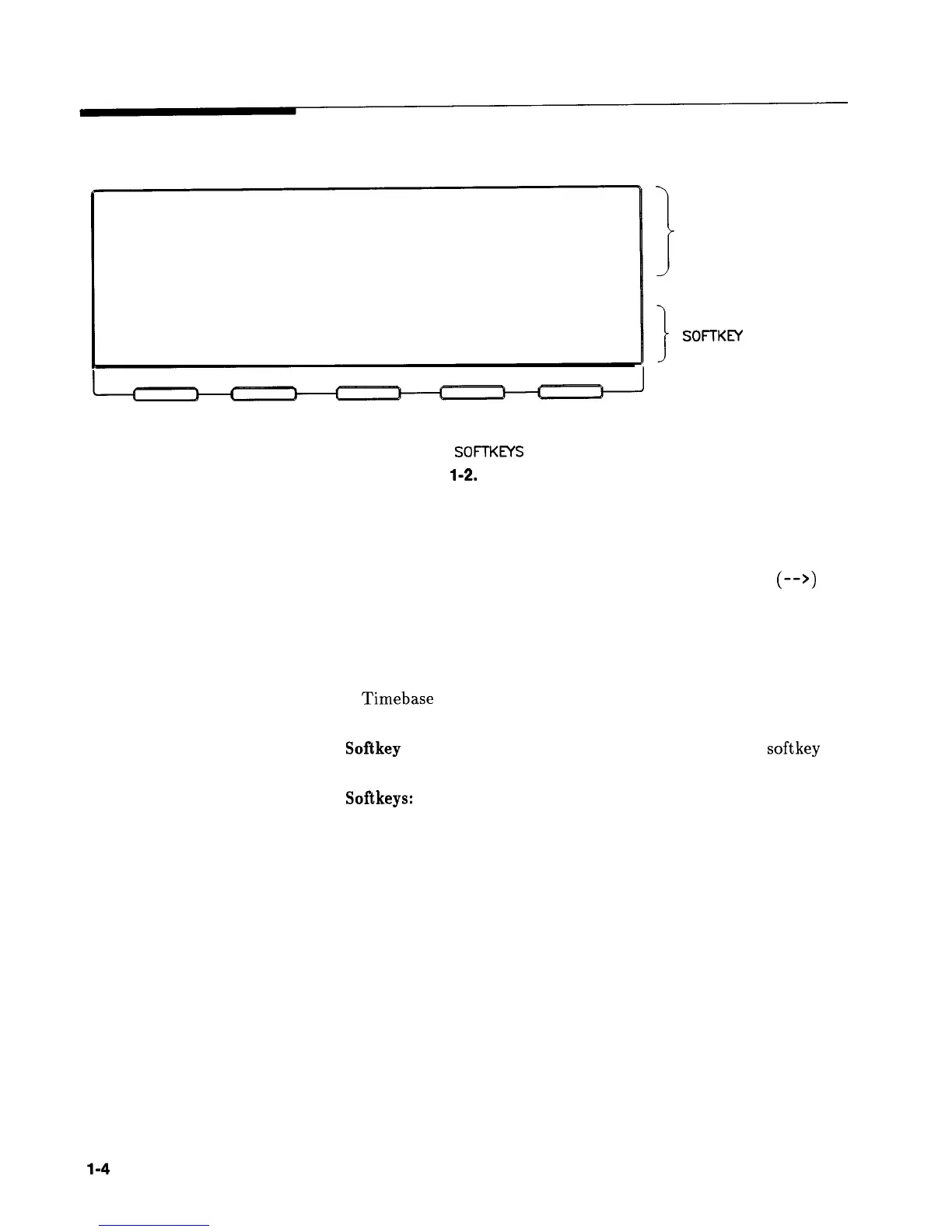
Display Area
\
SOFTKEYS
I
ACTIVE ENTRY AND
DATA DISPLAY AREA
-MESSAGE LINE
I
SOFTKEY
LABEL AREA
Figure
l-2.
Display
Active Entry and Data Display Area: This area typically displays
the frequency and power information of the current instrument
state. When data entry is expected, the synthesizer uses all or part
of this area to record the entries. The active entry arrow
(-->)
indicates the active entry function and its current value.
Message Line: This line is used to display:
ALC level status.
Unlock information.
Timebase
status.
RF output status.
Softkey Label Area: This area displays the name of the softkey
directly below it.
Softkeys: These keys activate the functions indicated by the labels
directly above them.
l-4
Getting Started Basic



 To Next Page