Saving and
Recalling an
Instrument State
The save/recall registers store and access a previously set instrument
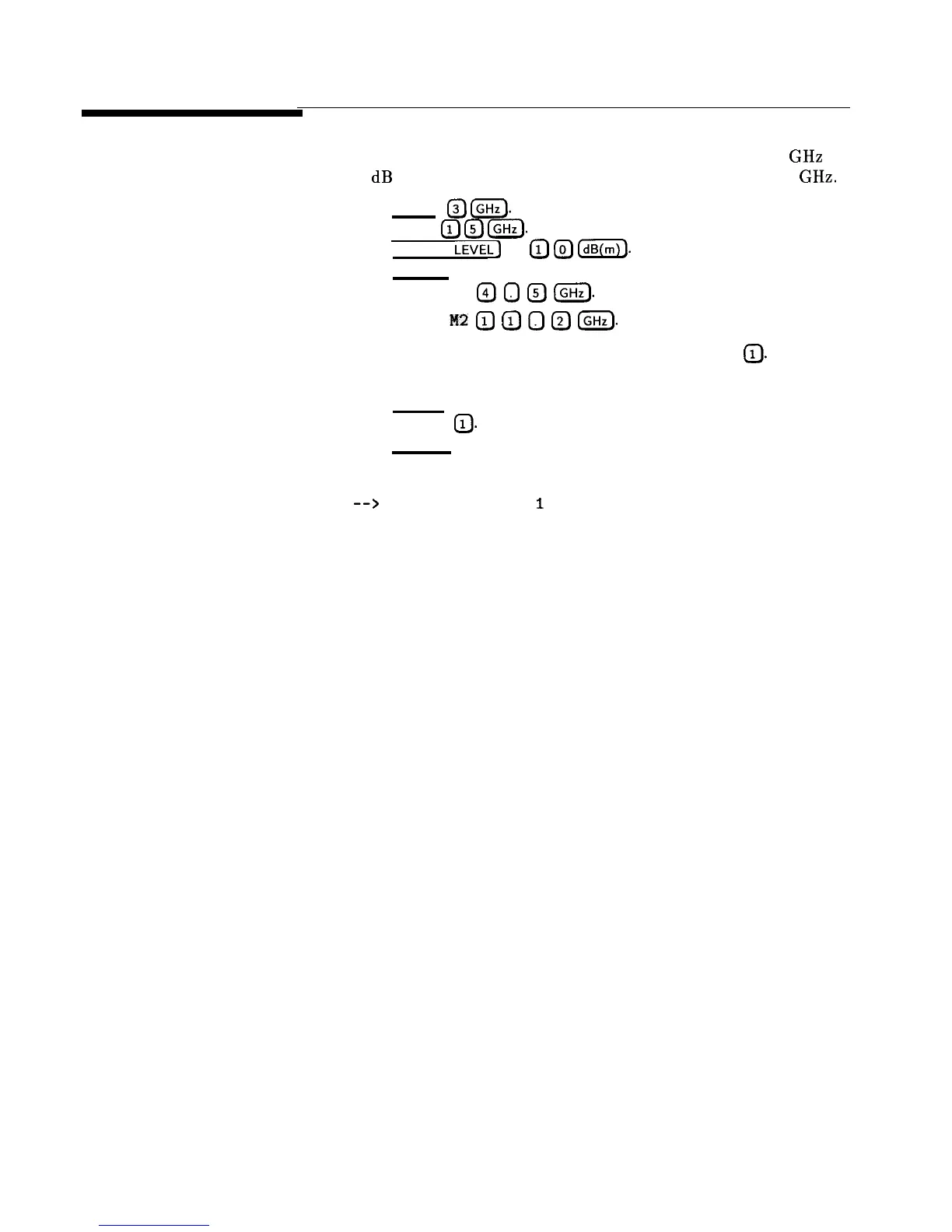
state. For example, set the synthesizer to sweep from 3 to 15 GHz at
a -10 dB power level, with markers 1 and 2 set at 4.5 and 11.2 GHz.
Press [START)
(7J
(GHz).
Press (STOP)
(7J
(?J
(GHz.
Press (POWER
LEVEL]
I-]
(iJ
(TJ
0).
Press (MARKER).
Select Marker Ml
@
0
@
IGHz).
Select Marker
M2
0
0
0
@
(GHzl.
To save this instrument state in register 1, press (SAVE) (iJ. To verify
that the synthesizer has saved this state:
Press
(PRESET).
Press (RECALL)
(iJ.
Press
[MARKER).
The active entry area displays:
-->
RECALL REGISTER:
1
RECALLED
Notice the sweep end points, power level, and the asterisks next to
the marker 1 and 2 key labels.
You can save instrument states in registers 1 through 8. Register
0 saves the last instrument state before power is turned off. When
power is turned on, register 0 is automatically recalled.
1-16 Getting Started Basic



 To Next Page