Manual Operation
Compatibility
The HP 8360 series synthesized sweepers are designed to be, in all
but very few cases, a complete feature
superset
of the HP 8340/8341
synthesized sweepers. The most notable omissions are that the
HP 8360 series does not accept:
n line triggers (ie 50 or 60 Hz line frequency)
n an external leveling input from positive diode detectors
Front Panel Operation
The HP 8360 series uses a softkey menu driven approach toward
accessing instrument functions versus a front panel key or shift key
sequence as with the HP 8340/8341.
Instrument Preset Conditions. The factory defined preset conditions
for the HP 8360 series are identical to those for the HP 8340/8341.
The HP 8360 series also allows you to define a different set of preset
conditions. Refer to “Changing the Preset Parameters,” in Chapter 1
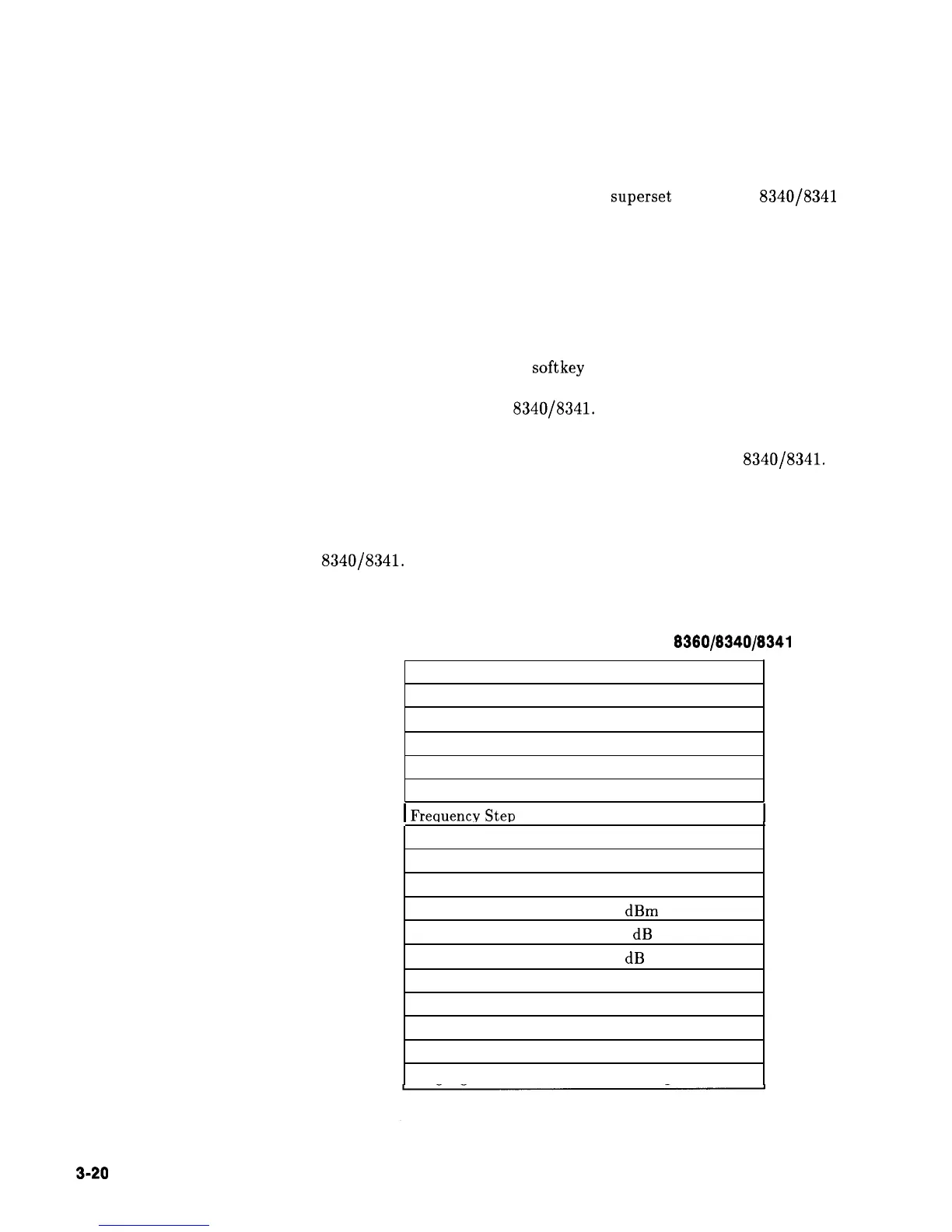
for examples and more information. Table 3-6 illustrates the factory
instrument preset conditions for the HP 8360 series and the HP
8340/8341. An instrument preset turns off all the functions and then
sets the following:
Table 3-6.
Instrument Preset Conditions for the HP 6360/8340/8341
Function Condition
Sweep Mode Full Span
Sweep
Continuous/Auto
Trigger Free Run
Markers All Off
Modulation
Off
1
Frecluencv Ster, Size 10% of span
Status Bytes Cleared
Leveling Internal
RF Output On
Power Level
0
dBm
Power Step Size 10 dB
Power Sweep/Slope
0 dB
Storage Registers
Retain current values
HP-IB Address
Retains current value
Status Byte Mask Unchanged
Extended Status Byte Mask Unchanged
Language Mode
Unchanged
3-20
INSTALLATION
Specifications



 To Next Page