Language Selection
You can operate the synthesizer using one of three external interface
languages: SCPI, Analyzer language, or CIIL (Option 700).
How to View or Change a Language Selection from the Front Panel
Note
To set a programming language from the front panel, the instrument
language on the rear panel HP-IB switch
(Ll,
L2,
and
L3
Figure 3-2)
mzlst
be set to 7 (all
Is).
The HP-IB menu provides access to the synthesizer’s programming
language:
1. Press SYSTEM
(NIENU).
2. Select HP-IB Menu.
3. The synthesizer displays the three language
softkeys: Programming Language SCPI ,
Programming Language
Analyzr,and
Programming
Language
CIIL
. An asterisk indicates
the selected language.
4. Select the desired softkey.
Remember
If the synthesizer displays Rear panel HP-IB language must be 7
(111) in order to change current language
(=XxX>,
the address
on the rear panel HP-IB switch (Figure 3-2) is set to something other
than 7 (all
1s).
Note
If the synthesizer does not have Option 700, and you select
Power Up Language CIIL , the instrument displays
*****OPTION NOT INSTALLED*****.
5. The asterisk indicates the selected softkey, and the synthesizer
displays LANG: XXXX, ADRS=XX, REV da mo yr.
How to Select a Language on a Synthesizer without a Front Panel
If your synthesizer does not have a front panel, set the rear panel
HP-IB switch(F g
i
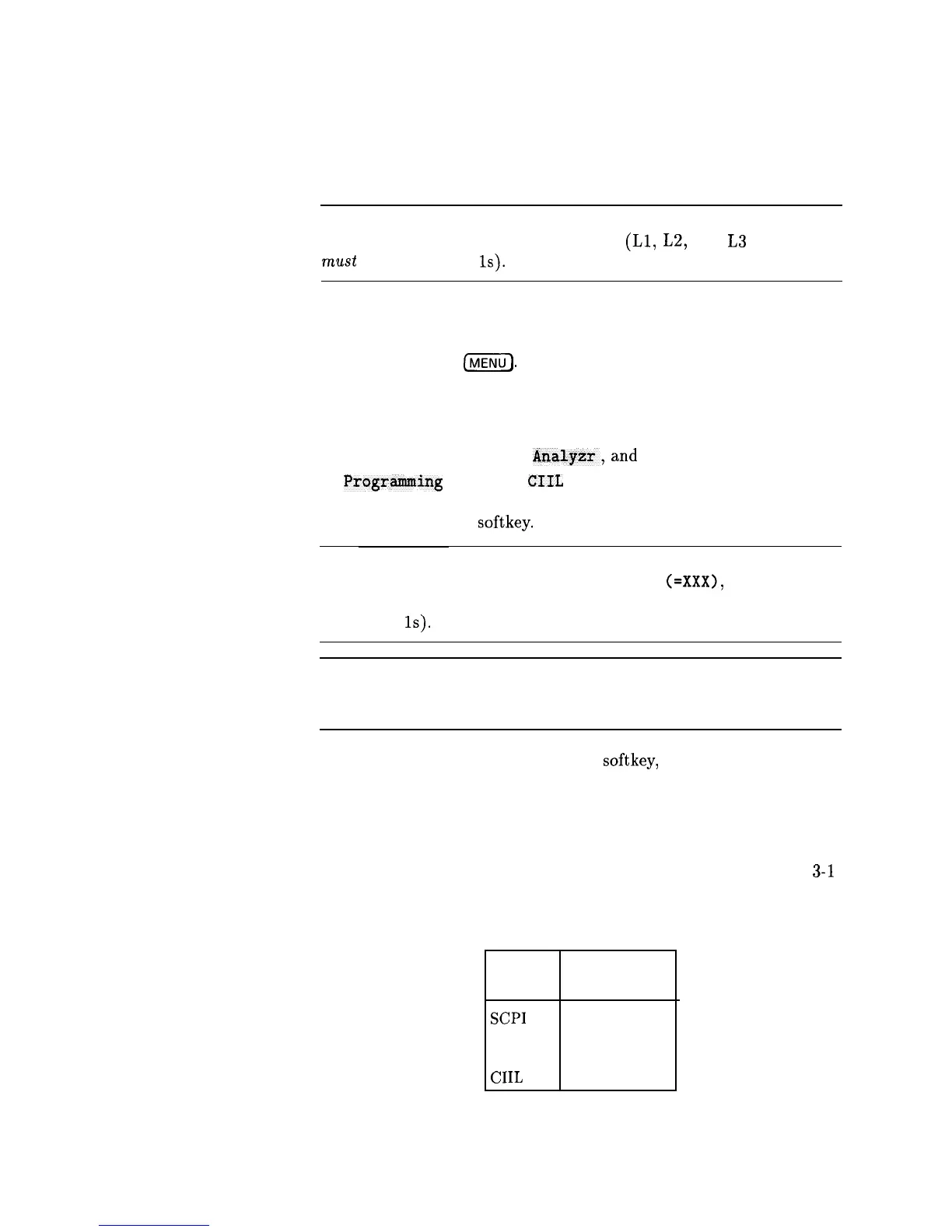
ure 3-2) for the language you want. (See Table
3-l
for language addresses.)
Table 3-1. Language HP-IB Addresses
Language HP-IB Address
(Decimal)
SCPI
0
Analyzer
1
CIIL
2
3-6 INSTALLATION
Specifications



 To Next Page