Installation Procedure
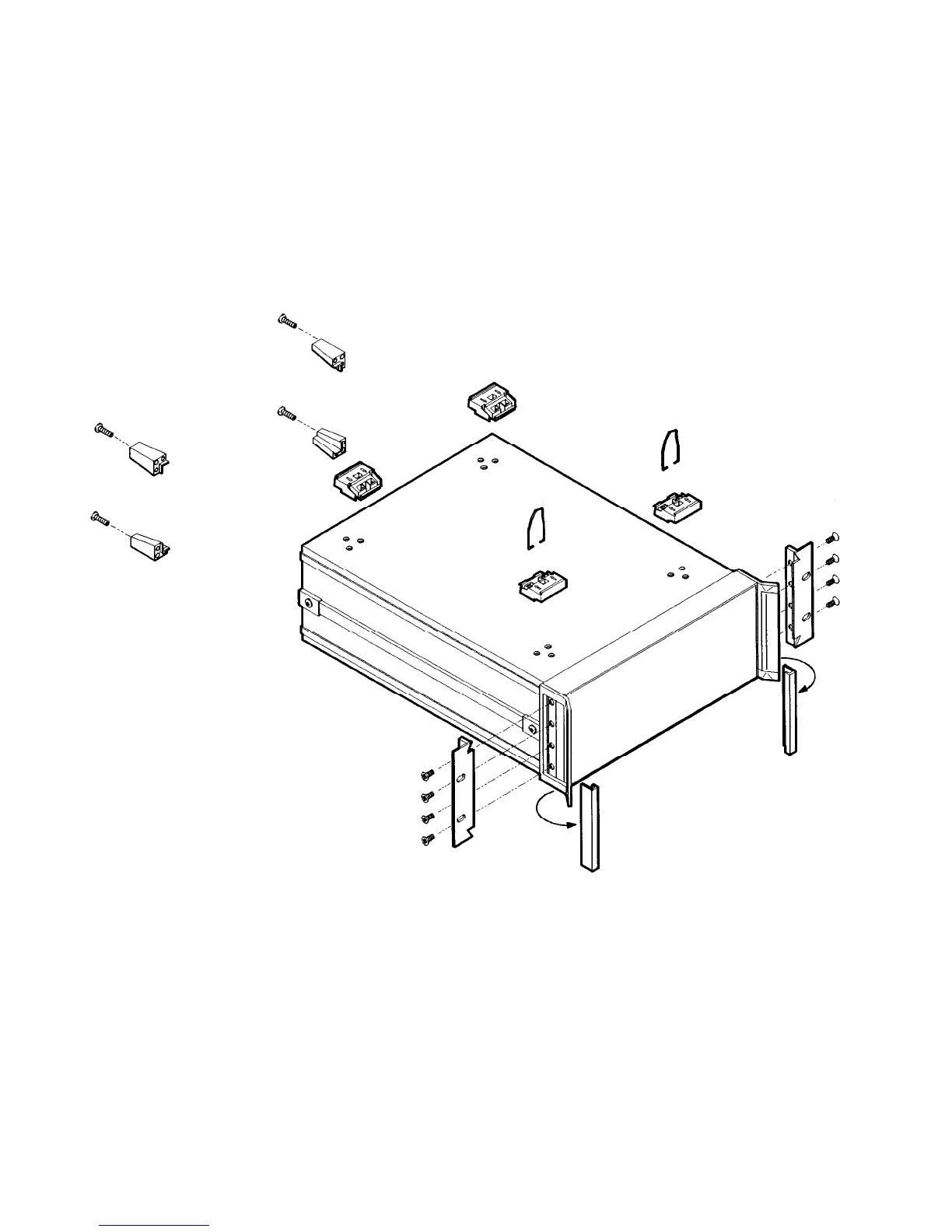
1. Refer to Figure 3-6. Remove handle trim strips.
2. Remove the four screws on each side that attach the handles to
the instrument.
3. Using the longer screws provided, attach the rack mount flanges to
the outside of the handles.
4. Remove the bottom and back feet and the tilt stands before rack
mounting the instrument.
Figure 3-6. Rack Mount Flanges for Synthesizers with Handles Attached
3-16 INSTALLATION
Specifications



 To Next Page