Paragraph Heading
Optimizing Synthesizer Performance
continued
Advanced
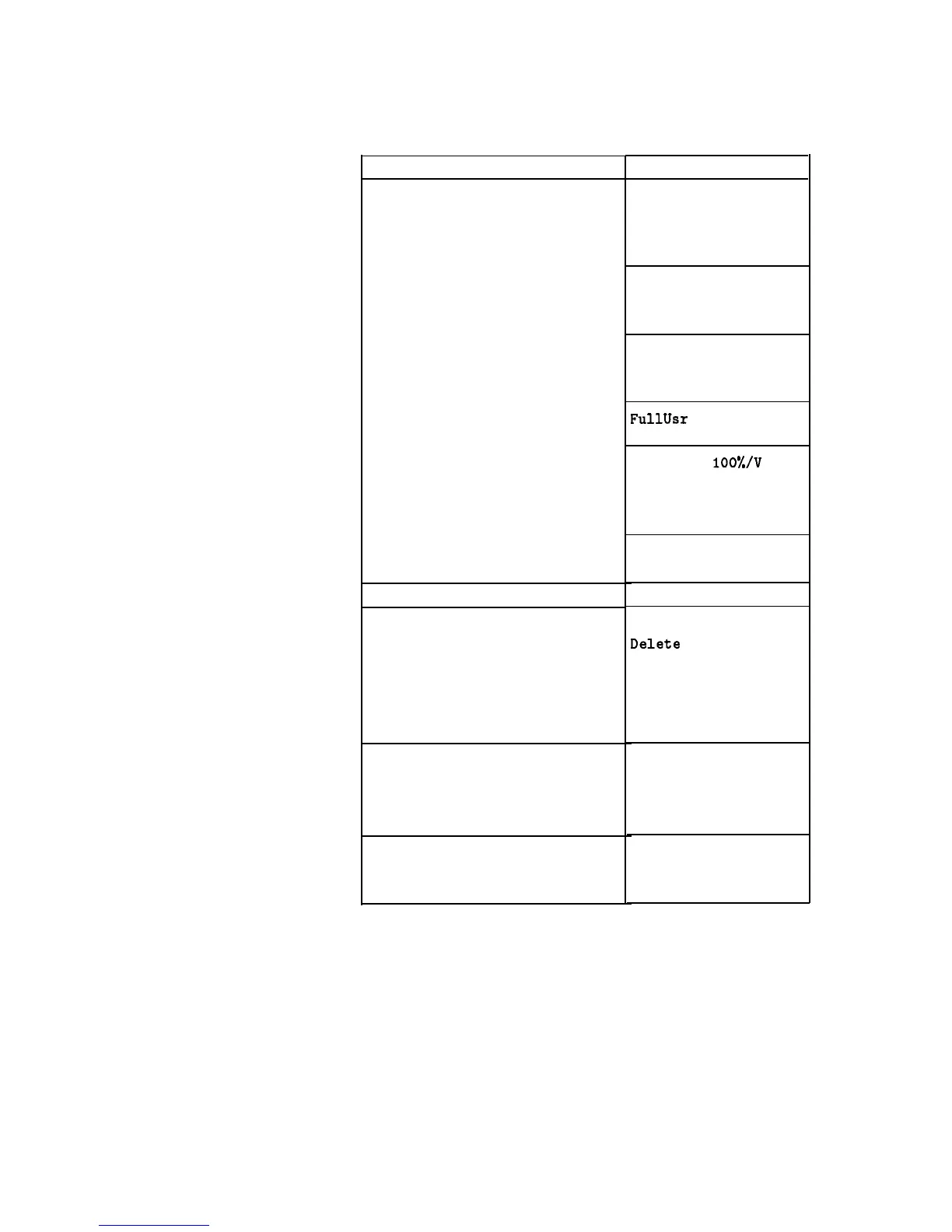
Table l-l.
Keys Under Discussion in This Section (continued)
Keys
Auto Track
Peak RF Always
Peak RF Once
Sap Span Cal Once
Sap Span Cal Always
AM BW Cal Always
AM BW Cal Once
FullUsr
Cal
AM On/Off
100%/V
AM On/Off IOdB/V
Deep AM
Using Step Sweep
Creating and Using a Frequency List
Using the Security Features
Changing the Preset Parameters
USER DEFINED MENU
ASSIGN
Step Sap Menu
List Menu
Delete
Menu
Enter List Freq
Enter List Offset
Enter List Dwell
Pt Trig Menu
Zero Freq
Save Lock
Clear Memory
Blank Display
Save Usr Preset
Preset Mode User
PRESET
For more
information,each
of these keys has
a separate entry in
the
“OPERATING and PROGRAMMING REFERENCE” chapter of
this handbook.
1-22 Getting Started Advanced



 To Next Page