Learning Input Methods
User’s Guide 3–3
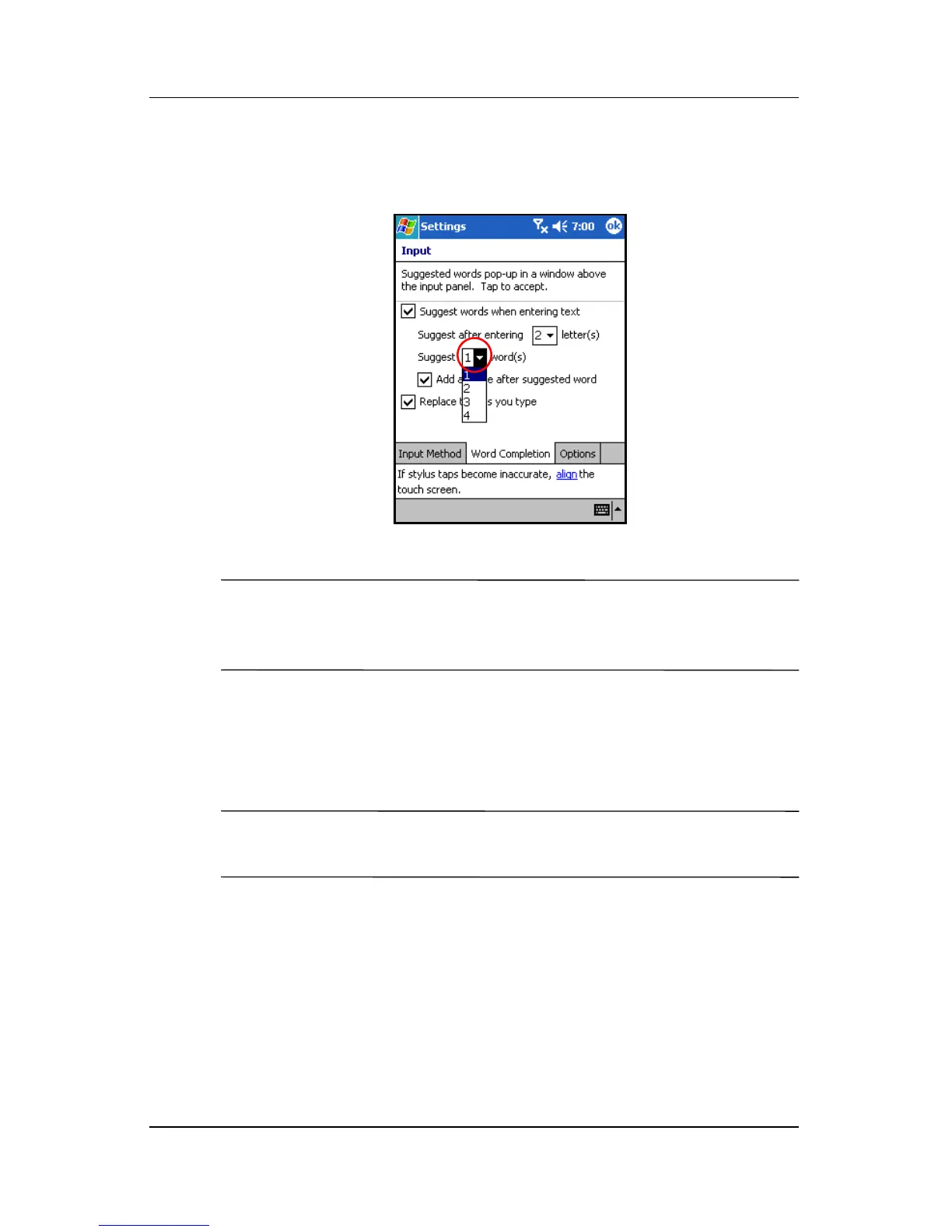
4. Tap the down arrow associated with words and select the
number of words you want suggested.
5. Tap OK.
NOTE: If you do not want any words suggested, tap the
checkbox to remove the checkmark next to Suggest words when
entering text.
Using the On-Screen Keyboard
Use the stylus to tap letters, numbers, and symbols on the
on-screen keyboard to enter typed text directly onto the screen.
NOTE: A question mark within a program indicates a Help file.
Tap the ? to open the Help file.



 To Next Page