98
How To Use “Setup”
Chapter 7 Web Control Function
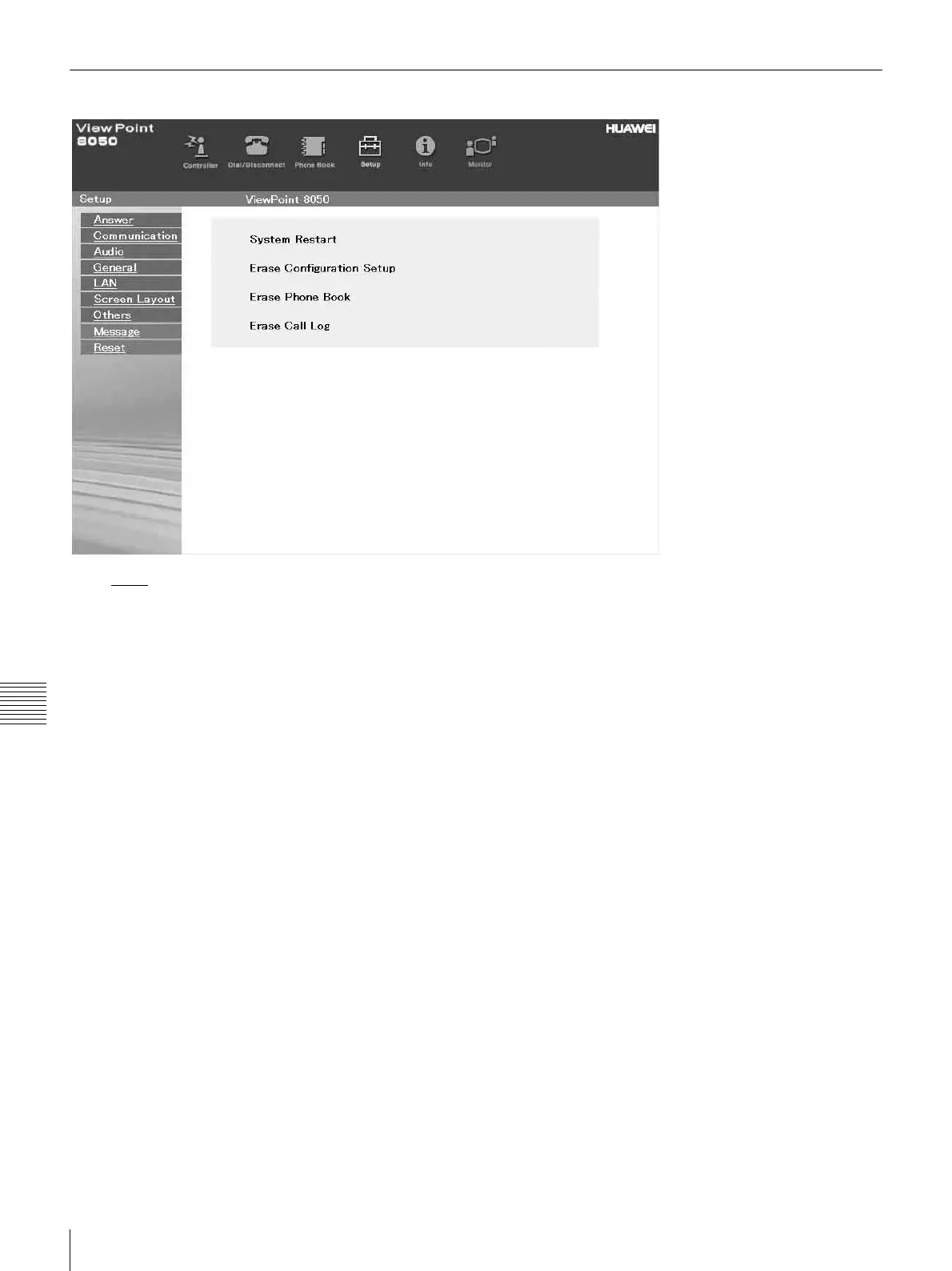
To Reset the System
Click Reset on the left part of the page. The “Reset” page
will appear (only when “VP8050” has been entered as the
user name).
a Click on the desired item.
A dialog box will appear.
b Click the [OK] button.
“System Restart”
Resets the ViewPoint 8050 system.
“Erase Configuration Setup”
Returns to the factory setting values.
“Erase Phone Book”
Erases all information saved in the “Phone Book.”
“Erase Call Log”
Erases all information saved in the “Call Log.”



 To Next Page