94
How To Use “Phone Book”
Chapter 7 Web Control Function
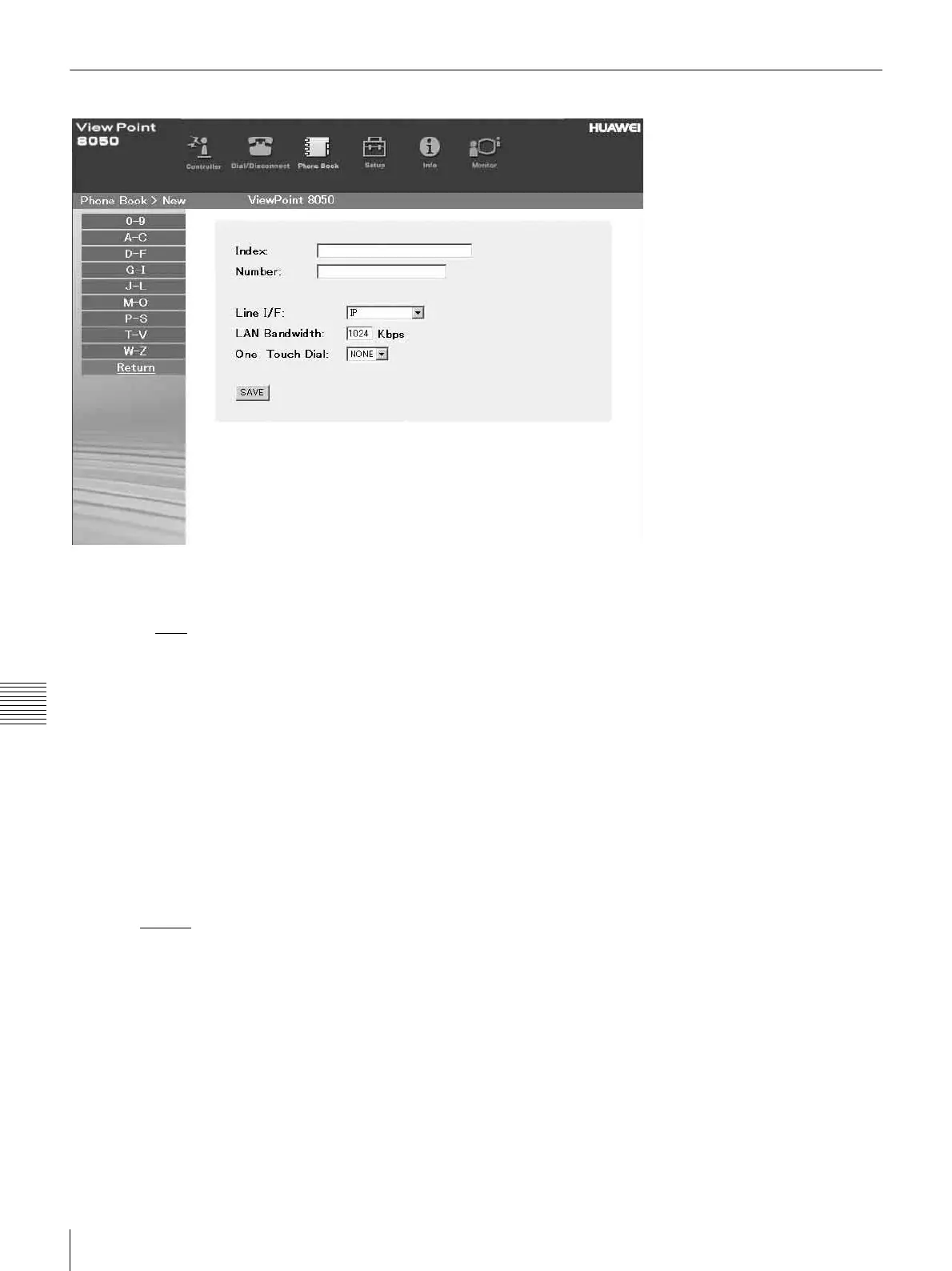
“Phone Book-New” Page
To register a new point (only when “super” or
“VP8050” has been entered as the user name):
a Click sNew
on the list page.
The “Phone Book-New” page will appear.
b Enter an index title into the Index box and
telephone numbers into box(es) A1 (to C2).
c Select the Line I/F, and configure any other
necessary setting items.
d Click the [SAVE] button.
After the registration is complete, the new index will
be added, and the screen will return to the list page.
To return to the list page:
a Click Return
on the left part of the page.
The list page will appear.



 To Next Page