102
Screen Indicators
Appendix
Appendix
Screen Indicators
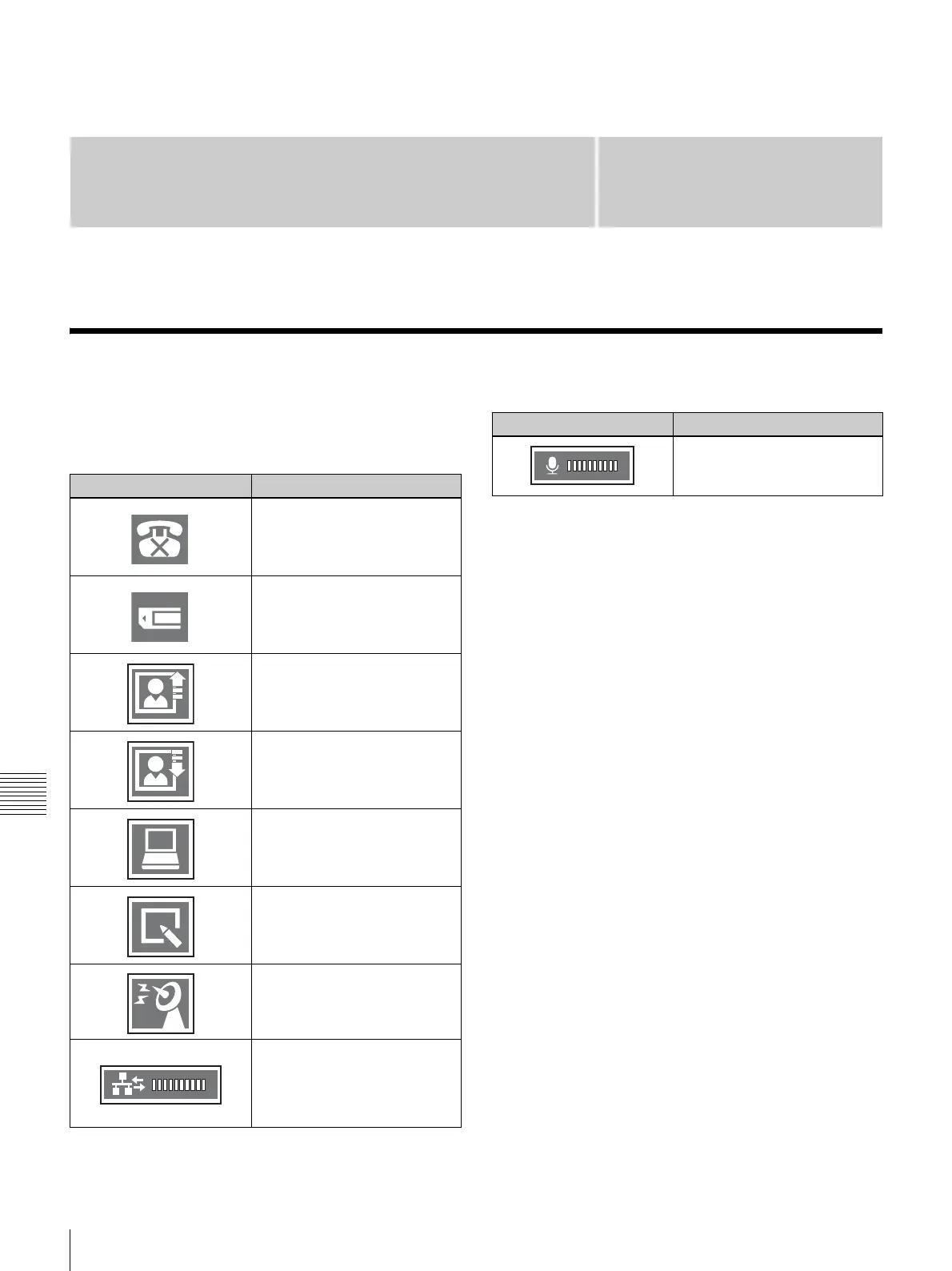
The following indicators are displayed during
videoconferences.
* Also displays when communication is not in progress.
Indicator Meaning
Rejecting incoming calls.*
Memory stick inserted in the
memory stick slot.*
Sending still images.
Receiving still images.
DSB data being sent or
received.
Receiving whiteboard images.
Local video being broadcast.
Shows the line status. When
the indicator is displayed in red,
the line is congested and
picture or sound may be
disrupted.
Shows the microphone input
level.
Indicator Meaning



 To Next Page