117
Menu Configuration
Appendix
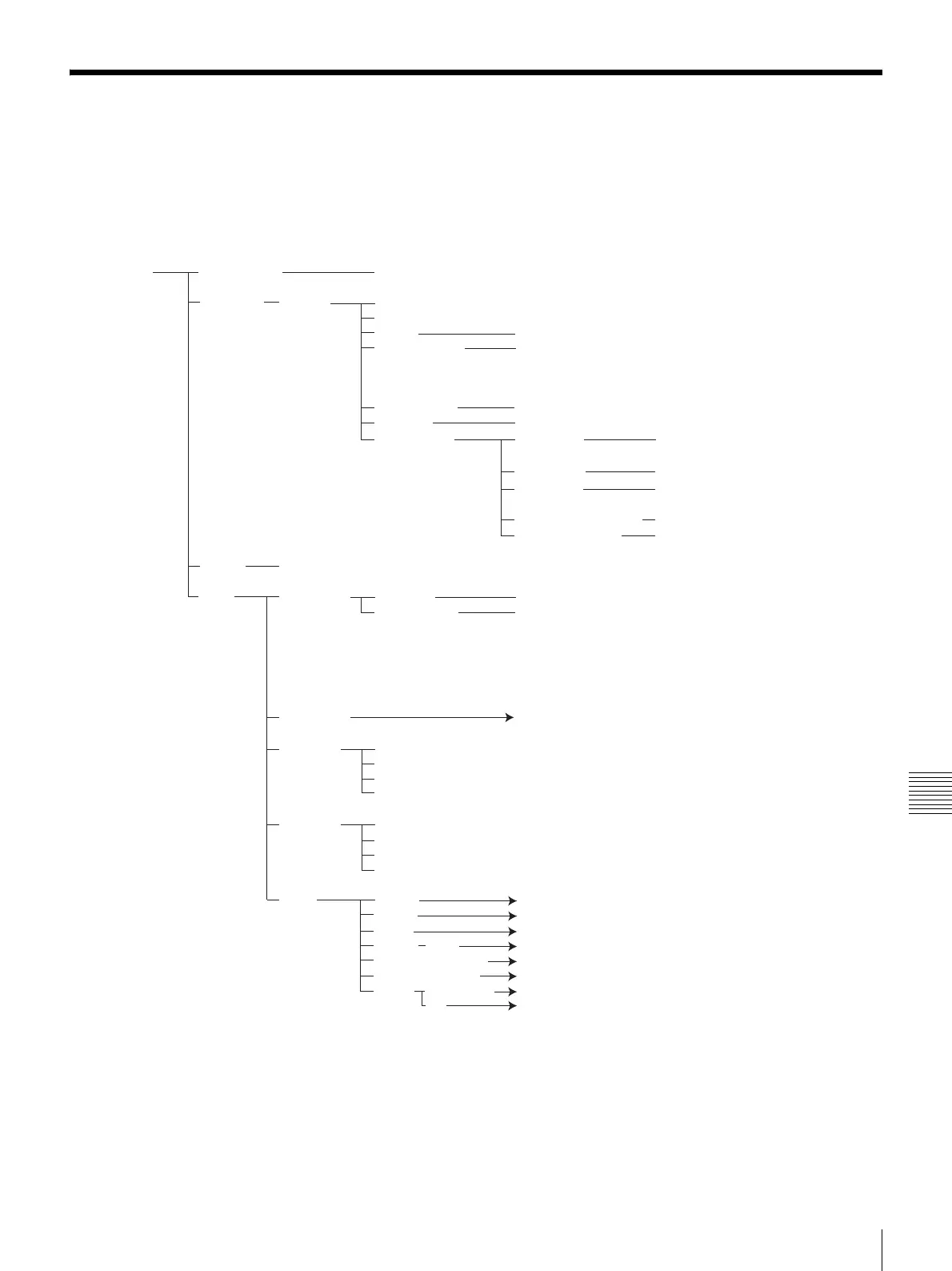
Menu Configuration
The menus of the camera are configured as described
below.
For detailed information, see pages in parentheses. The
initial settings of each item are bolded.
Launcher One Touch Dial Dial, Edit, Delete
Phone Book List Edit Index
Address
Line I/F IP
LAN Bandwidth 64kbps, 128kbps, 256kbps,
384kbps, 512kbps, 768kbps,
1024kbps, 1536kbps,
2048kbps, Custom
One Touch Dial On, Off
Auto Dial On, Off(Private Phone Book)
More Options
*
Video Mode Auto, H.264, MPEG4, H.263+,
H.261
Video Frame Auto, 15fps, 30fps
Audio Mode Auto, MPEG4 Audio, G.722,
G.729, G.728, G.711
Far End Camera Control On, Off
H.239(Presentation) On, Off
History Dial, Save, Delete
Menu
Camera Control
Preset(1-6) Save, Load
Camera Control Backlight Compensation,
Flicker Removal, White Balance,
Brightness Adjust,
Select camera to control,
Control by Far End, Pan/ Tilt/ Zoom,
Focus
Status & Info. A
Still Image Send
Continuous Send
Clear
Save
Image viewer
Load
Send
Delete
Memory Stick Format
Setup Answer B
Device C
Audio D
Network LAN E
Communication mode setting
F
Administrator Setup G
Display
Videoconference
H
PC I
(page 53) (page 56)
(page 57)
(page 45)
(page 62)
(page 55)
(page 72)
(page 67)
* Available only when “More Options Enable” is set to “On” in the Dial settings of the Communication Mode menu.



 To Next Page