71
Sending Motion Pictures as Still Images
Chapter 4 Videoconference With Optional Equipment
The local display freezes, and a still picture will be
sent to the remote party.
If you select “Send”, a single image is sent. When
transmission is finished, the message “The still image
has been sent.” appears.
If you select “Continuous Send”, still images are sent
continuously. The sending interval depends on the
transmission rate and the image type.
To stop “Continuous Send”
Click “Clear”.
To cancel still image display
Click “Clear”.
Receiving Still Images
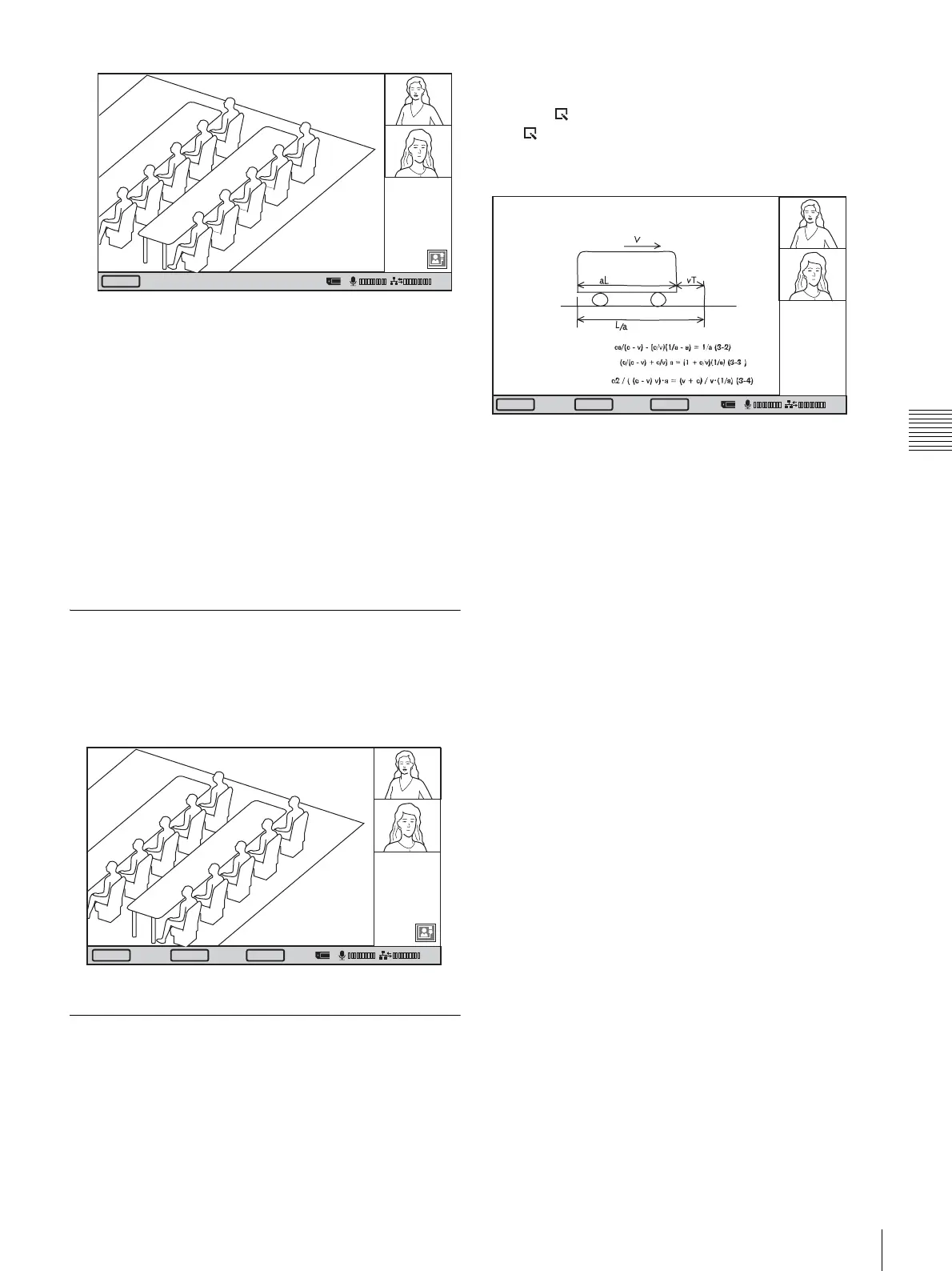
When you receive a still image from a remote party, the
image is shown as a full-screen display.
Click “Save” to save the still image to a “Memory Stick”,
and click “Clear” to return to the communication screen.
Receiving Whiteboard Images
When a remote party is using a whiteboard during a
videoconference, whiteboard images received from the
remote party are shown in full-screen display.
Click “Save” to save received whiteboard images to a
“Memory Stick.”
You can return to the normal communication screen by
clicking “Back”. To display the whiteboard image again,
click the (Whiteboard) icon.
The (Whiteboard) icon appears on the bottom right of
the communication screen only when receiving
whiteboard images.
Clear
01:25
Disconnect
SaveClear
01:25
Disconnect
01:25
Back
Save



 To Next Page