29
Registering Local Information
Chapter
Chapter 2
Registration and Setup
2
Registration and Setup
This chapter describes the general registration and settings
procedures.
Registering Local
Information
Before starting a conference, register the required
information on the local terminals of the system using the
Setup menu. This section describes how to display the
Setup menus and gives a introduction to the menus.
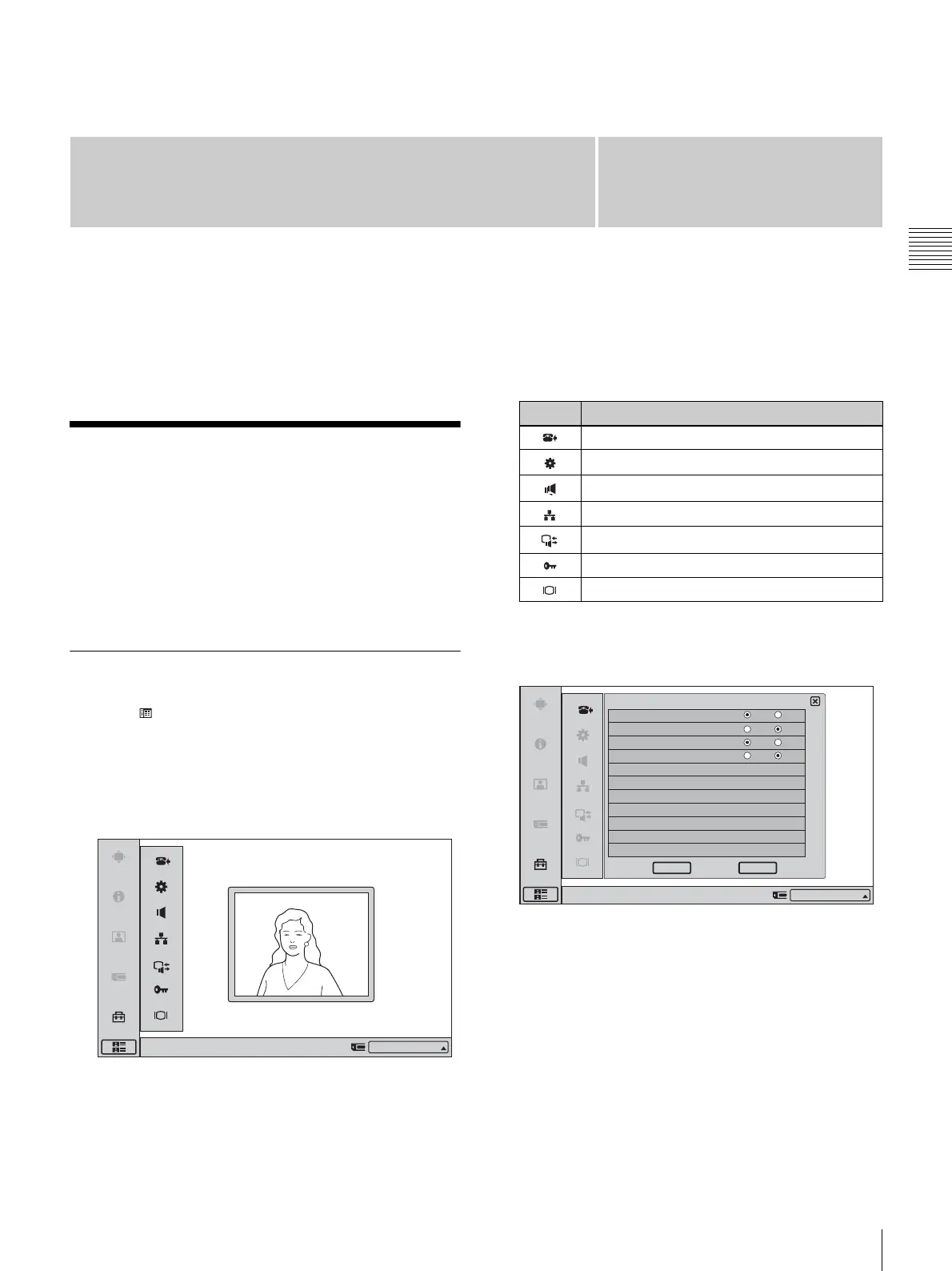
Opening the Setup Menu
1
Click (menu bar display) on the launcher menu.
The menu bar appears.
2
Click “Setup” on the menu bar.
The Setup menu appears.
Submenus available from the Setup menu
Selecting the respective item brings up the following
menus.
3
Click the button for the menu you want to access.
The selected menu appears.
4
Set the respective items.
For details on setting items, see the page for the
respective menu (pages 30 - 41).
5
When the setting is completed, click “OK”.
The setting is saved, and the Setup menu appears
again.
To cancel the setup procedure
Click “Cancel”.
Right-click the mouse to display a help message.
IP:012.345.678.912
Icon Displayed menu
Answer Setup menu (page 30)
Device Setup menu (page 30)
Audio Setup menu (page 31)
Network Setup menu (page 32)
Communication Mode menu (page 33)
Administrator Setup menu (pages 35)
Display Setup menu (page 39)
On Off
On Off
On Off
Answer Setup
Right-click the mouse to display a help message.
Auto Answer
Mic on Answer
Do not disturb
On Off
Videoconference Button Answer
CancelOK
IP:012.345.678.912



 To Next Page