92
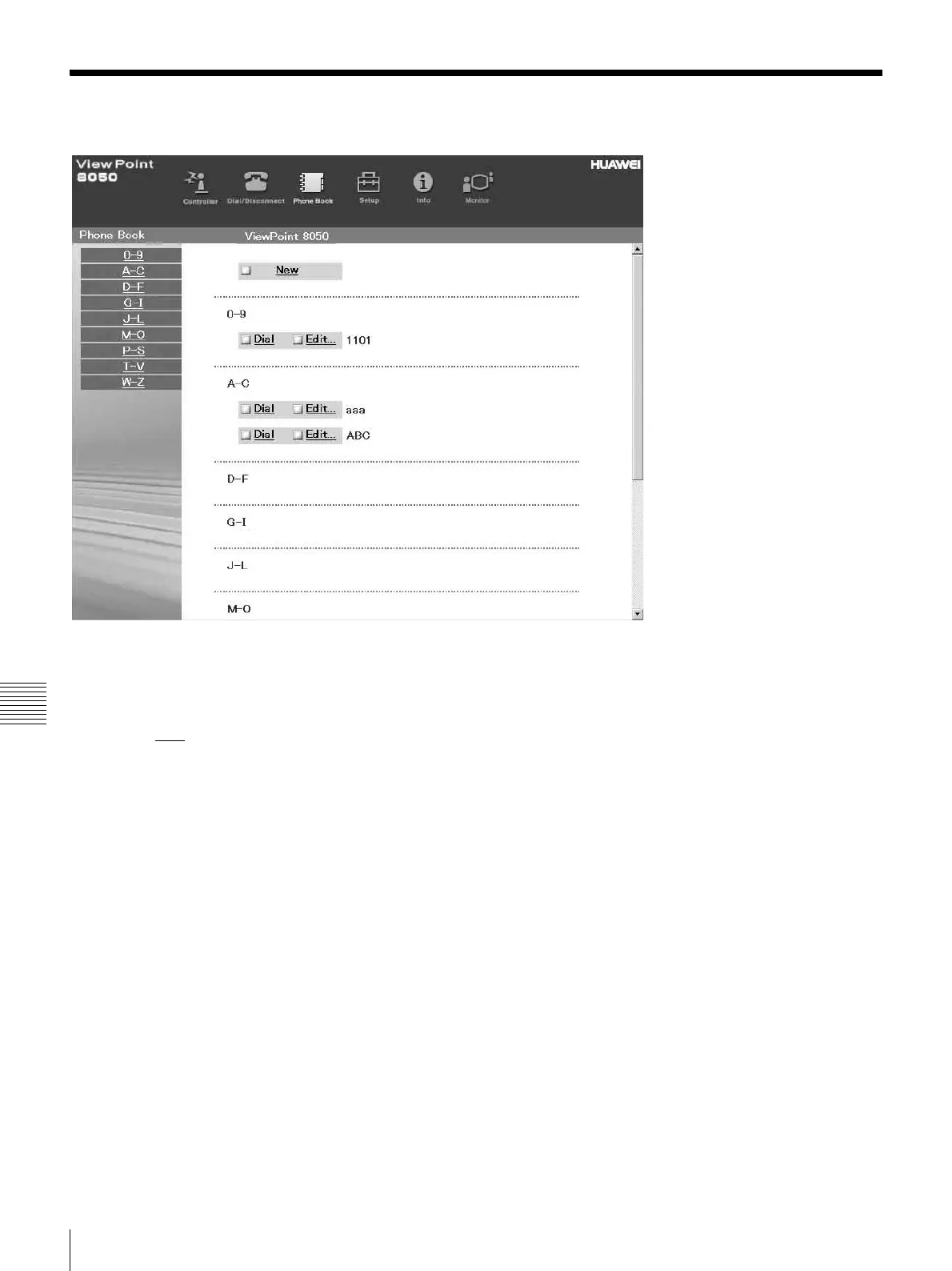
How To Use “Phone Book”
Chapter 7 Web Control Function
How To Use “Phone Book”
By clicking the [Phone Book] button, you can jump to the
“Phone Book list” page.
To connect:
a Click sDial
next to the index title that you are
dialing.
Then, the message, “Now dialing...” will appear.
b After the connection is made, you will see the
message, “Connect OK.,” and the screen will
return to the list page.



 To Next Page