101
How To Use “Monitor”
Chapter 7 Web Control Function
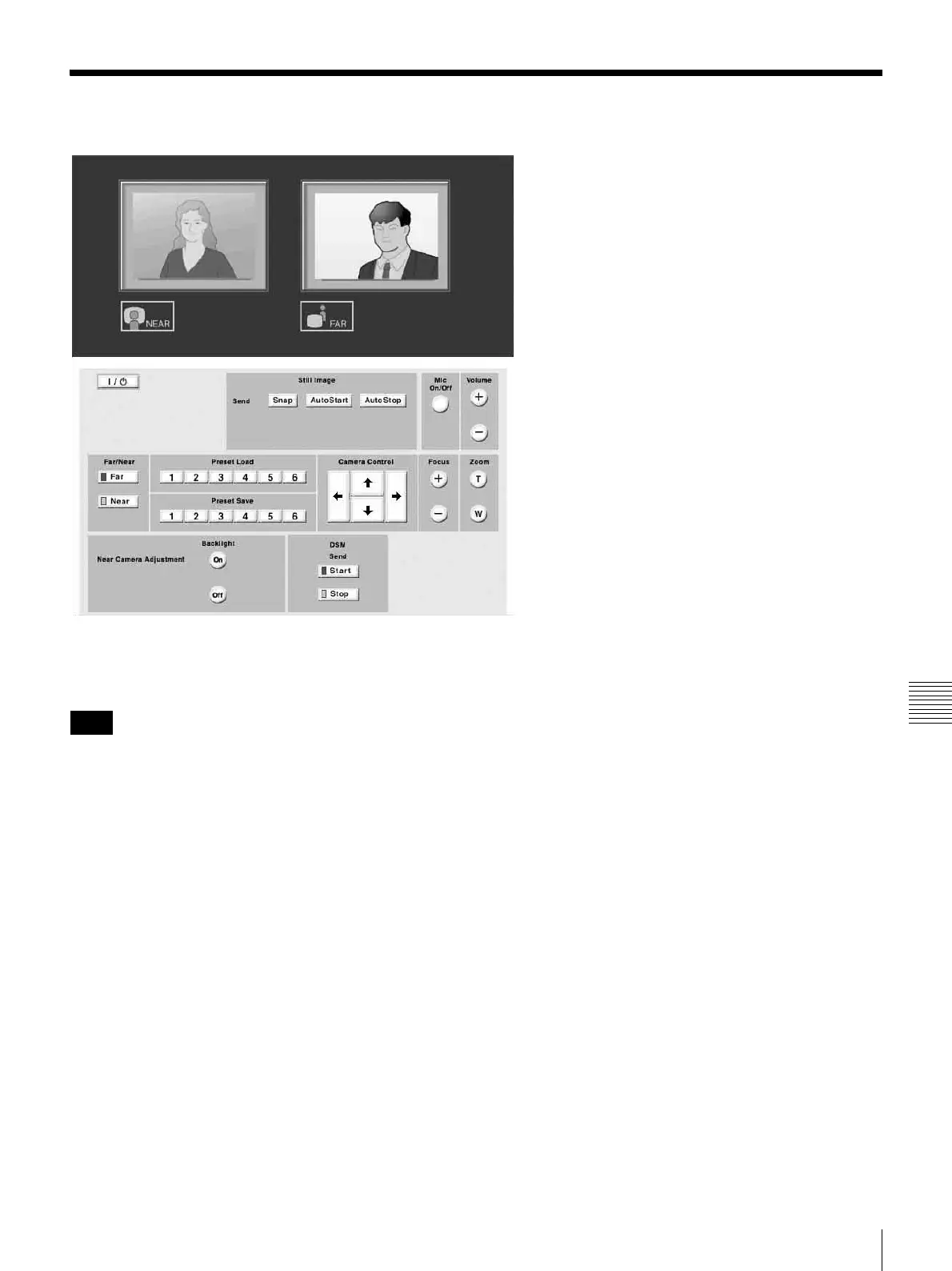
How To Use “Monitor”
When you click the [Monitor] button, the “Monitor” page
appears in a separate window allowing you to monitor
images from the ViewPoint 8050.
When “Web Monitor” in the Administrator Setup menu is
set to “Off”, you cannot monitor the images.
Note



 To Next Page