97
How To Use “Setup”
Chapter 7 Web Control Function
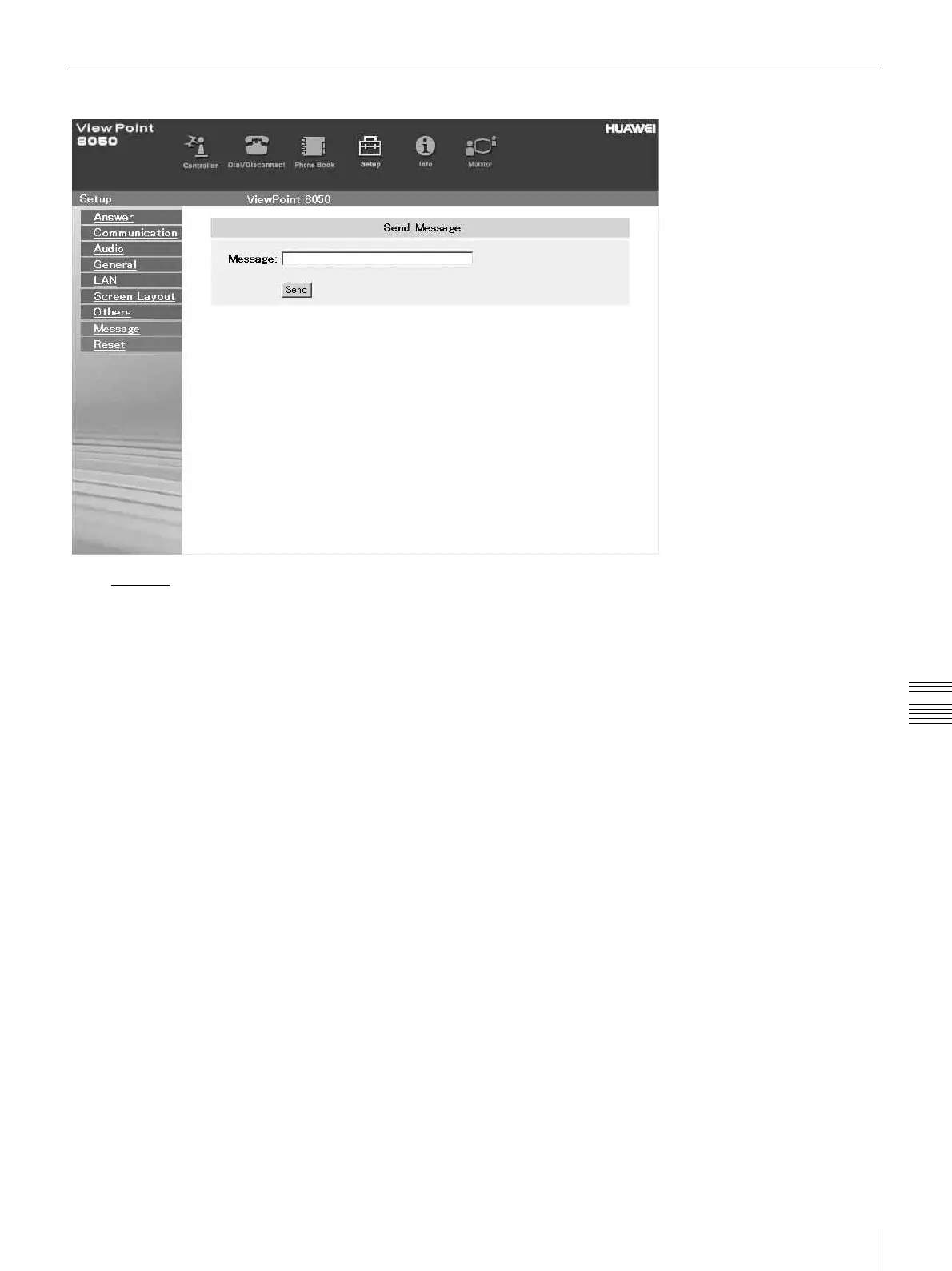
To Display the “Send Message” Page
Click Message on the left side of the page.
The “Send Message” page will appear.
Enter the message you want to send into the Message box
and click the [Send] button to send the message to the
ViewPoint 8050.
After the message is sent, “message send OK.” will be
displayed and the screen will return to the “Send Message”
page.



 To Next Page