99
How To Use “Status & Info”
Chapter 7 Web Control Function
How To Use “Status & Info”
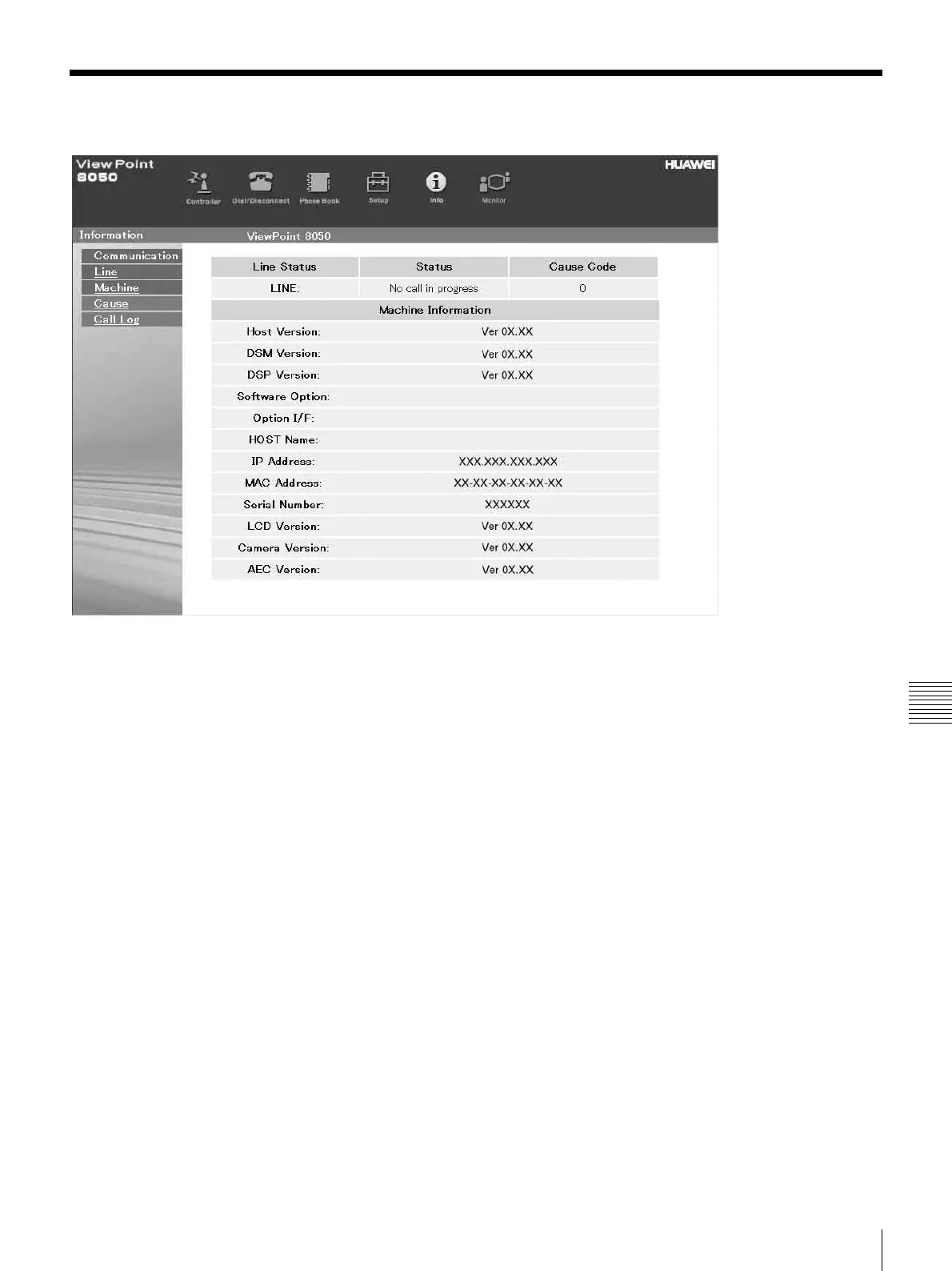
Click the [Info] button, and the “Information” page will
appear.
When the ViewPoint 8050 is on-line, the “Communication
Status,” “Line Status,” and “Machine Information” page
appears, and during otherwise, the “Line Status” and
“Machine Information” page appears.



 To Next Page