40
Registering Local Information
Chapter 2
Registration and Setup
Picture
Adjusts the picture contrast.
The contrast increases as the value gets larger.
Brightness
Adjusts the picture brightness.
The brightness increases as the value gets larger.
Backlight
Adjusts the brightness of the backlight.
The backlight gets brighter as the value gets larger.
Reset
Resets the settings to the default condition.
Wide Mode
Switches the display mode.
Normal: Shows the 4:3 image as is.
Wide: Stretches the 4:3 image horizontally to fit the wide
screen.
Zoom: Enlarges the 4:3 image and then crops the top and
bottom to fit the wide screen.
When Picture-and-Picture or Side-by-Side is selected for
the screen layout, the display does not change, even when
Wide Mode is adjusted.
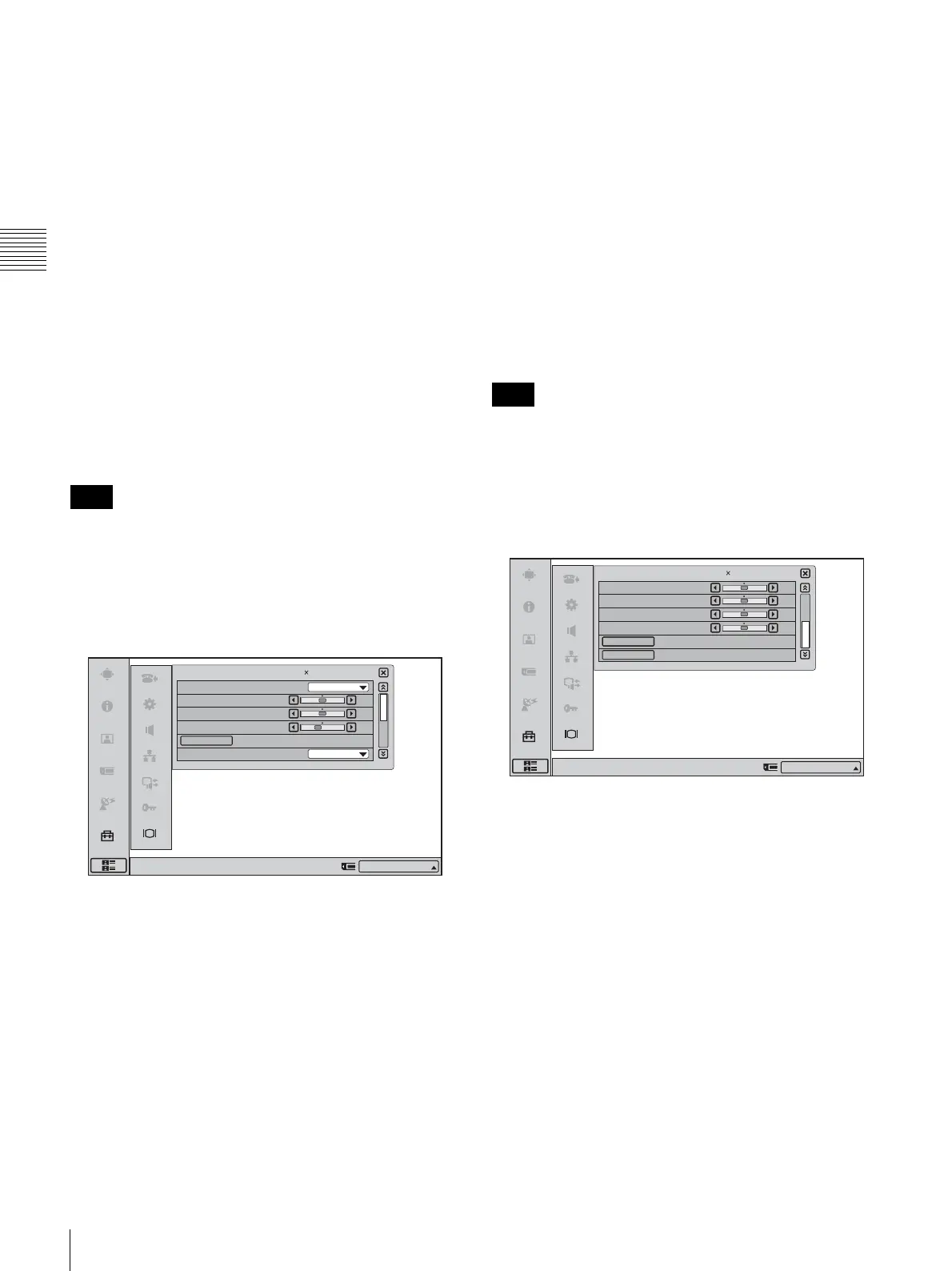
PC Page 1/2
Quality Mode
Selects the color temperature of the image.
Low: Sets the color temperature to Low.
Middle: Sets the color temperature to Middle.
High: Sets the color temperature to High.
Picture
Adjusts the picture contrast.
The contrast increases as the value gets larger.
Brightness
Adjusts the picture brightness.
The brightness increases as the value gets larger.
Backlight
Adjusts the brightness of the backlight.
The backlight gets brighter as the value gets larger.
Reset
Resets the settings to the default condition.
Wide Mode
Switches the display mode.
When a WXGA 1280
× 768 image is input, it is displayed
in wide mode regardless of the display mode setting.
Normal: Shows the 4:3 image as is.
Wide: Stretches the 4:3 image horizontally to fit the wide
screen.
Zoom: Enlarges the 4:3 image and then crops the top and
bottom to fit the wide screen.
When Picture-and-Picture or Side-by-Side is selected for
the screen layout, the display does not change, even when
Wide Mode is adjusted.
PC Page 2/2
H Shift
Use this item to shift the entire screen horizontally.
Moves the screen left and right.
V Shift
Use this item to shift the entire screen vertically.
Moves the screen up and down.
Phase
Use this item to minimize character blurring and lateral
fringes.
Pitch
Use this item to remove large longitudinal fringes.
Auto Adjust
Automatically adjusts the phase and pitch.
Reset
Resets the settings to the default condition.
Note
1/2
Display Setup (PC)
Right-click the mouse to display a help message.
Middle
50
50
40
Normal
Quality Mode
Picture
Brightness
Backlight
Wide Mode
Reset
IP:012.345.678.912
1280 768/60Hz
Note
2/2Display Setup (PC)
Right-click the mouse to display a help message.
50
50
50
50
H Shift
V Shift
Phase
Pitch
Auto Adjust
Reset
1280 768/60Hz
IP:012.345.678.912



 To Next Page