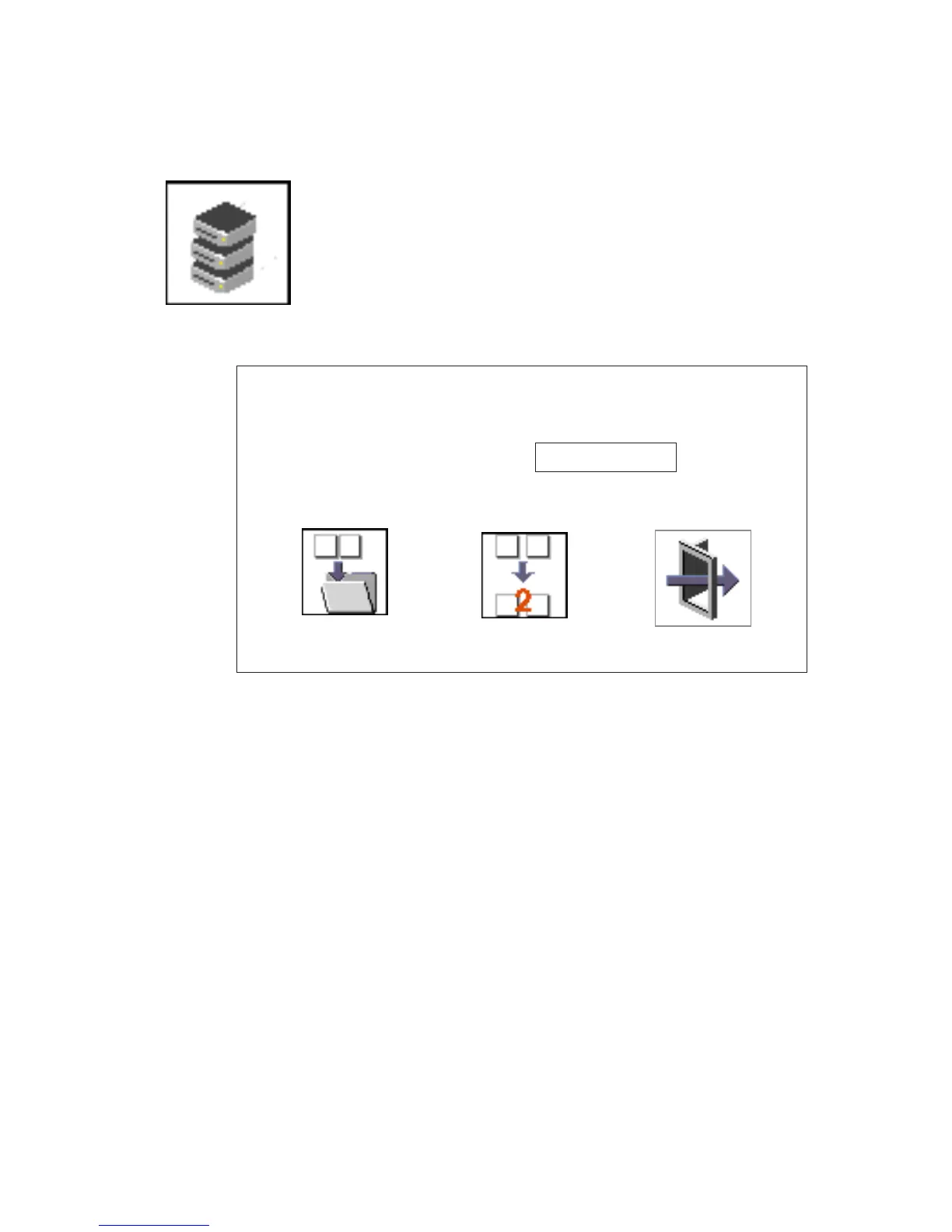
Spin Delay
Select this icon to change the spin-up delay for SCSI hard disk drives
attached to your system. Spin-up delay values can be entered
manually or you can use a default setting. All values are measured in
seconds. The default is two seconds. After you have entered the new
spin-up delay values, use the arrow keys to highlight the Save icon
and press Enter.
Save
Exit
Default
<Hard Disk Spinup Delay>
Enter New Value (>1)
Current Spin Up Value - 2
(SEC)
230 Service Guide




 To Next Page