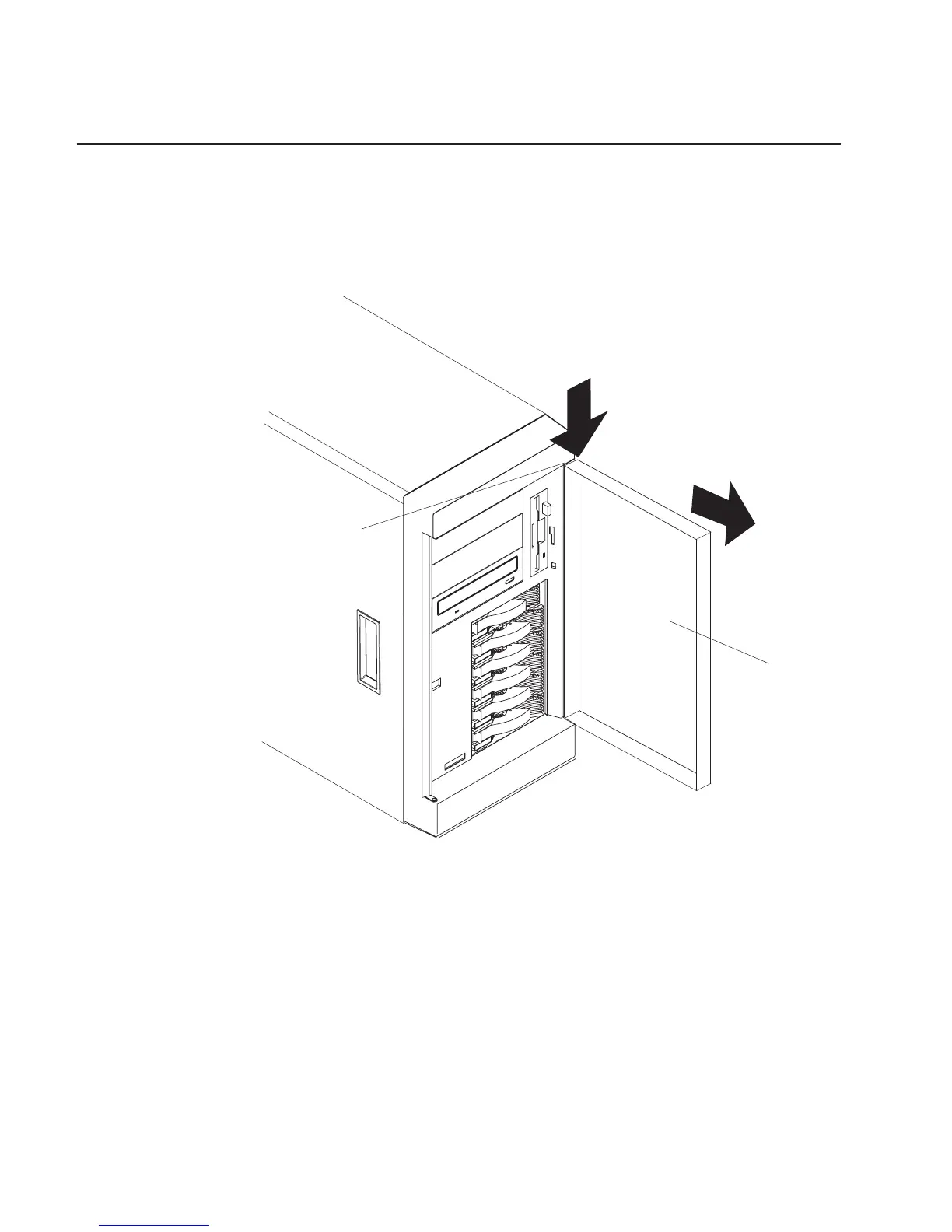
Front Door (Model 6E1)
The following procedures cover removal and replacement of the front door on the Model
6E1.
Removal
Refer to the following illustration while you perform the steps in this procedure.
1
2
1 Flange
2 Front door
1. Unlock and open the system door (2).
2. Locate the flange (1) on the top edge of the door.
3. Press down on the flange while pressing out on the door; then lift the system door
up and off the hinge. Set the door aside in a safe place.
256 Service Guide




 To Next Page