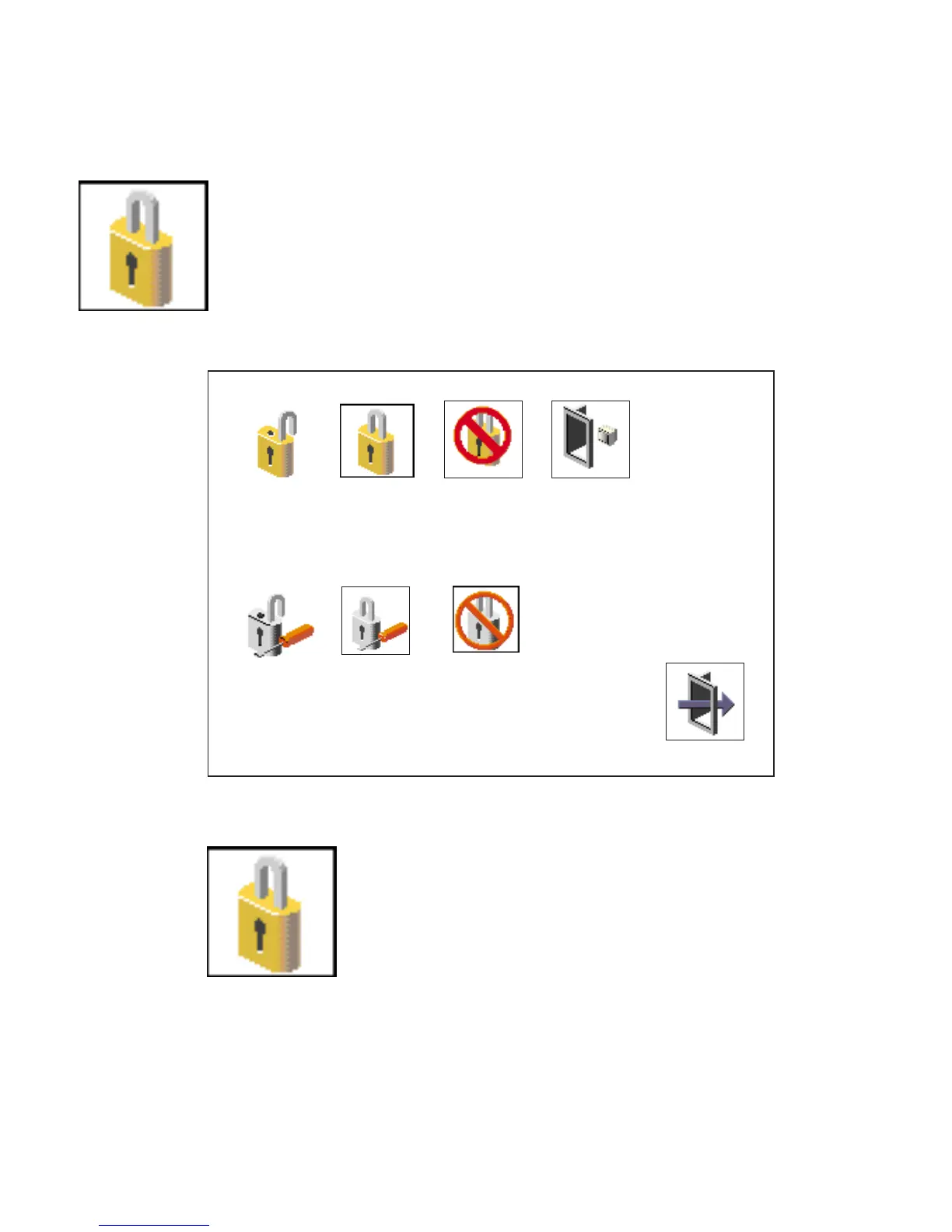
Password
Select this icon to perform password-related tasks.
Set
Remove
Remove
Power-On Access
Privileged Access
Exit
Remote <Off>
Set
Power-On Access Password
Setting a Power-On Access password helps protect
information stored in your system unit. If a power-on
access password is set for your system unit, the power-on
access status icon is shown in the locked position. If a
power-on access password is not set, then the power-on
access status icon is shown in the unlocked position (as
shown in the preceding screen).
When you select the Set icon, a screen with eight empty
boxes displays. Type your password in these boxes. You
can use any combination of up to eight characters (A–Z,
a–z, and 0–9) for your password. As you type a character,
a key displays in the box.
226 Service Guide




 To Next Page