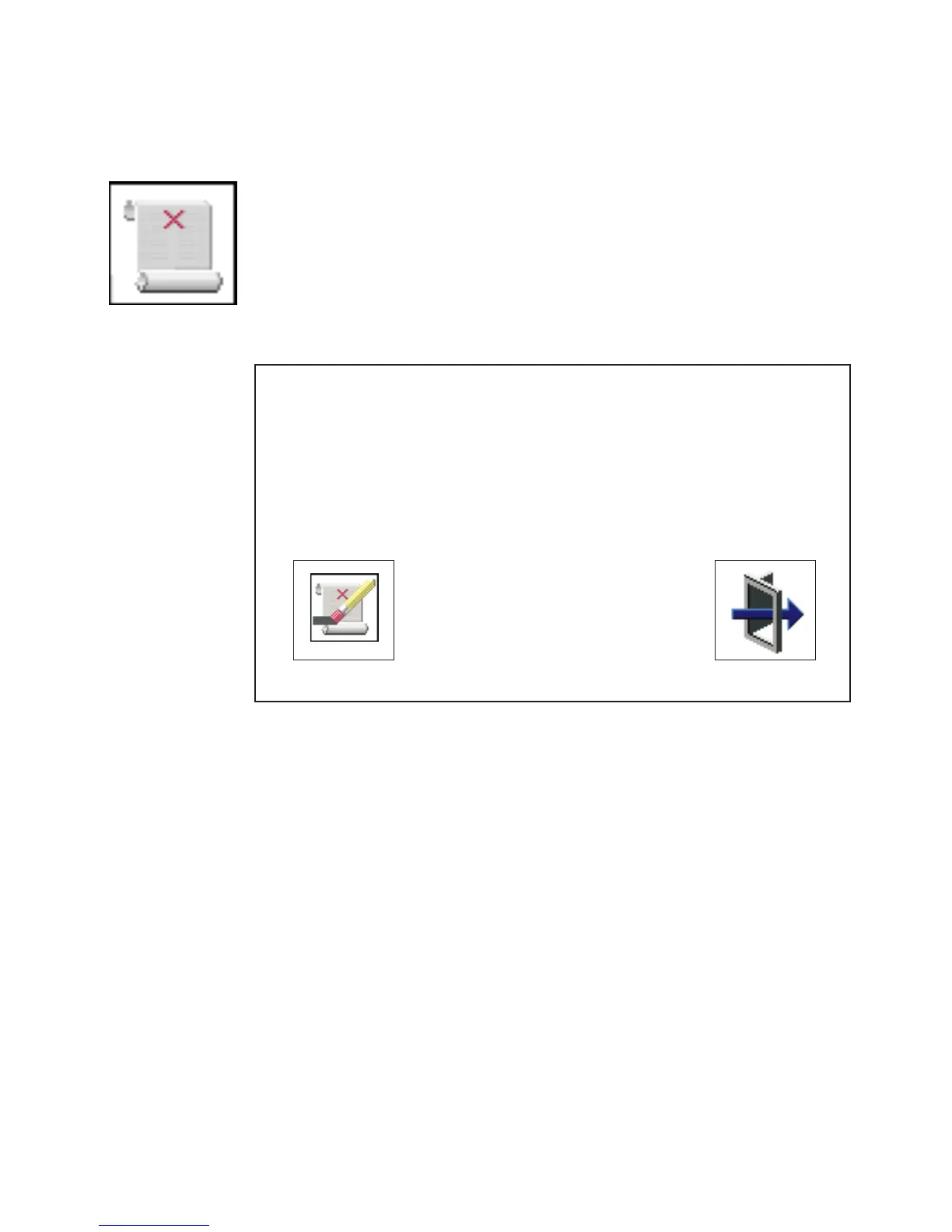
Error Log
Selecting this icon displays the log of errors that your system has
recorded during operations.
Clear
System Error Log
Exit
2. No entry
1. 00/04/13 00:51:32 25C38005 P1-M1.10
Date Time Error Code Location
Selecting the Clear icon erases the entries in this log.
This error log only shows the first and last errors.
Note: The time stamp in this error log is coordinated universal time (UTC), which is
also referred to as Greenwich mean time (GMT). AIX error logs have more
information available and can time stamp with your local time.
Chapter 8. Using System Management Services 231




 To Next Page