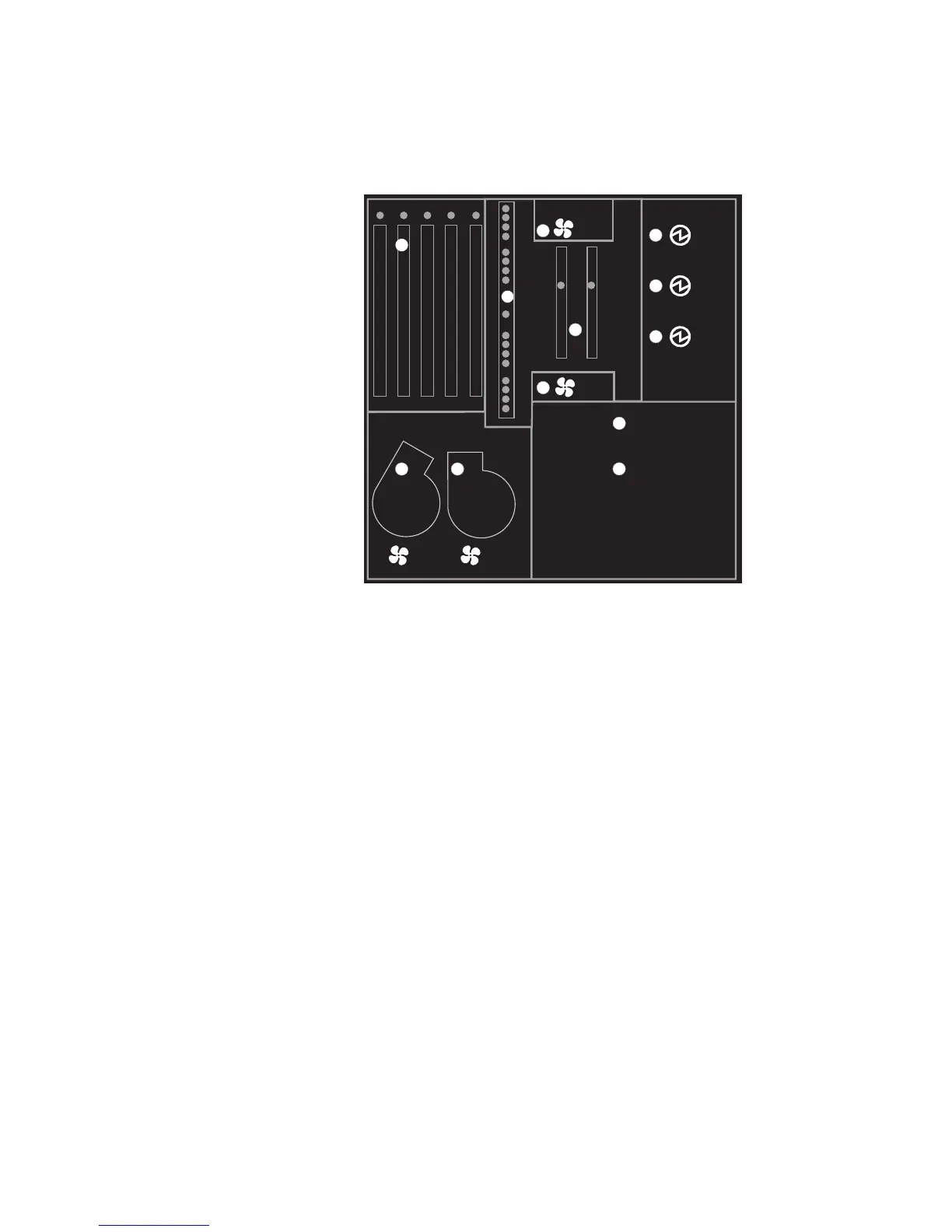
The following illustration shows the LEDs on the indicator panel, located inside the
server.
Memory
CPU
PCI
Fan
Fan
System Board
Power Board
1
2
3
4 3
2
1
Component LEDs
In addition to the indicator panel or display, individual LEDs are located on or near the
failing components. The LEDs are either on the component itself or on the carrier of the
component (memory card, fan, memory module, CPU).
The LEDs are amber, except for the power supplies. For the power supplies, two green
LEDs (ac power good and dc power good) indicate the fault condition for the power
supply.
Resetting the LEDs
To reset the LEDs:
1. Replace the failing component with the new component.
2. Log in as root user.
3. At the command line, type diag.
4. Select Task Selection.
5. Select Log Repair Action.
6. Select the device that was repaired. (If the device is not listed, select sysplanar0.)
Chapter 2. Diagnostic Overview 29




 To Next Page