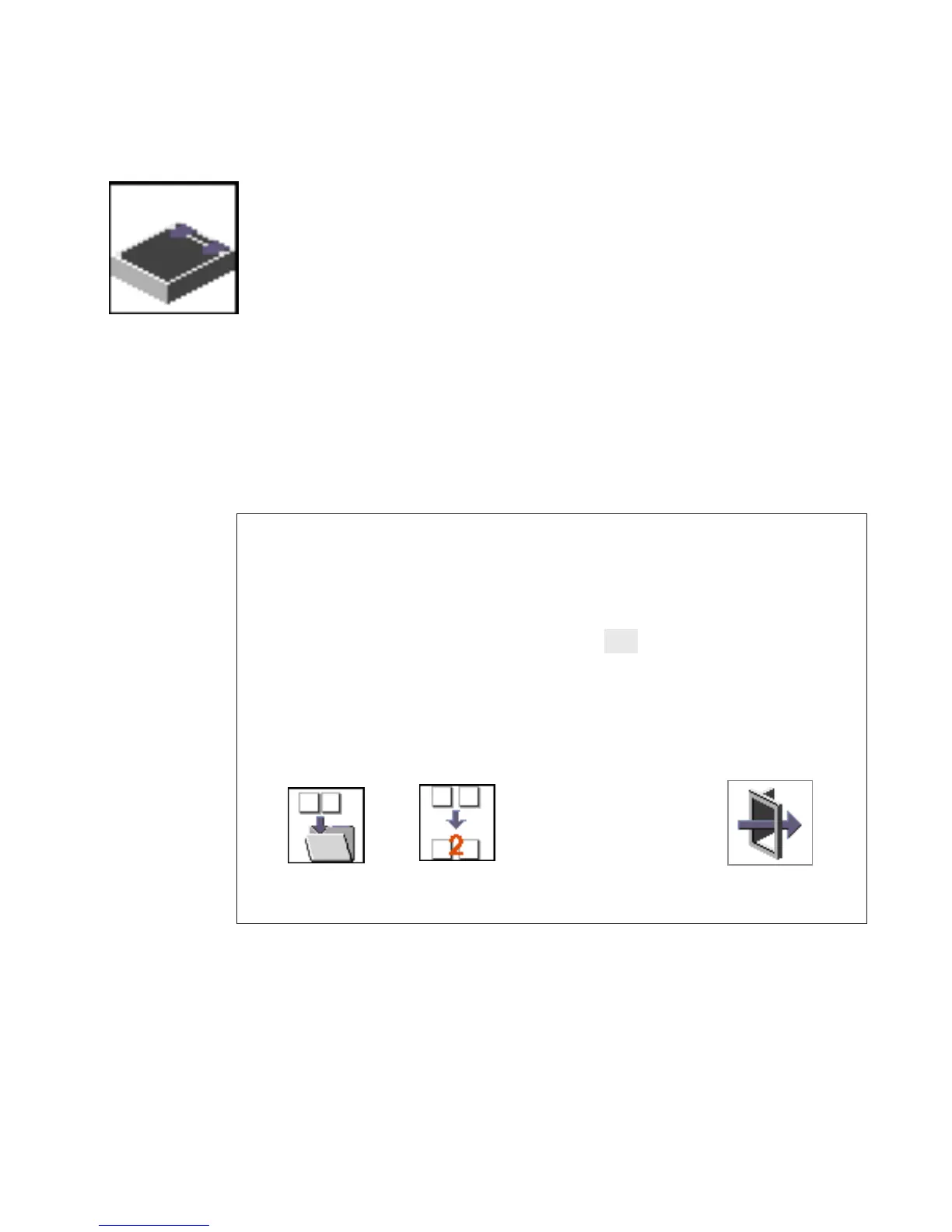
SCSI ID
Select this icon to view and change the addresses (IDs) of the SCSI
controllers attached to your system unit.
To change a SCSI controller ID, highlight the entry by moving the up or down arrow
keys, then use the spacebar to scroll through available IDs. After you have entered the
new address, use the left or right arrow keys or mouse to highlight the Save icon and
press Enter.
At any time in this process, you can select the Default icon to change the SCSI IDs to
the default value of 7.
Type
Change SCSI ID
Fast/Wide
15
15
Max Id
Slot
Default
Save
Exit
7
7
Id
Ultra
0
0
Chapter 8. Using System Management Services 237




 To Next Page