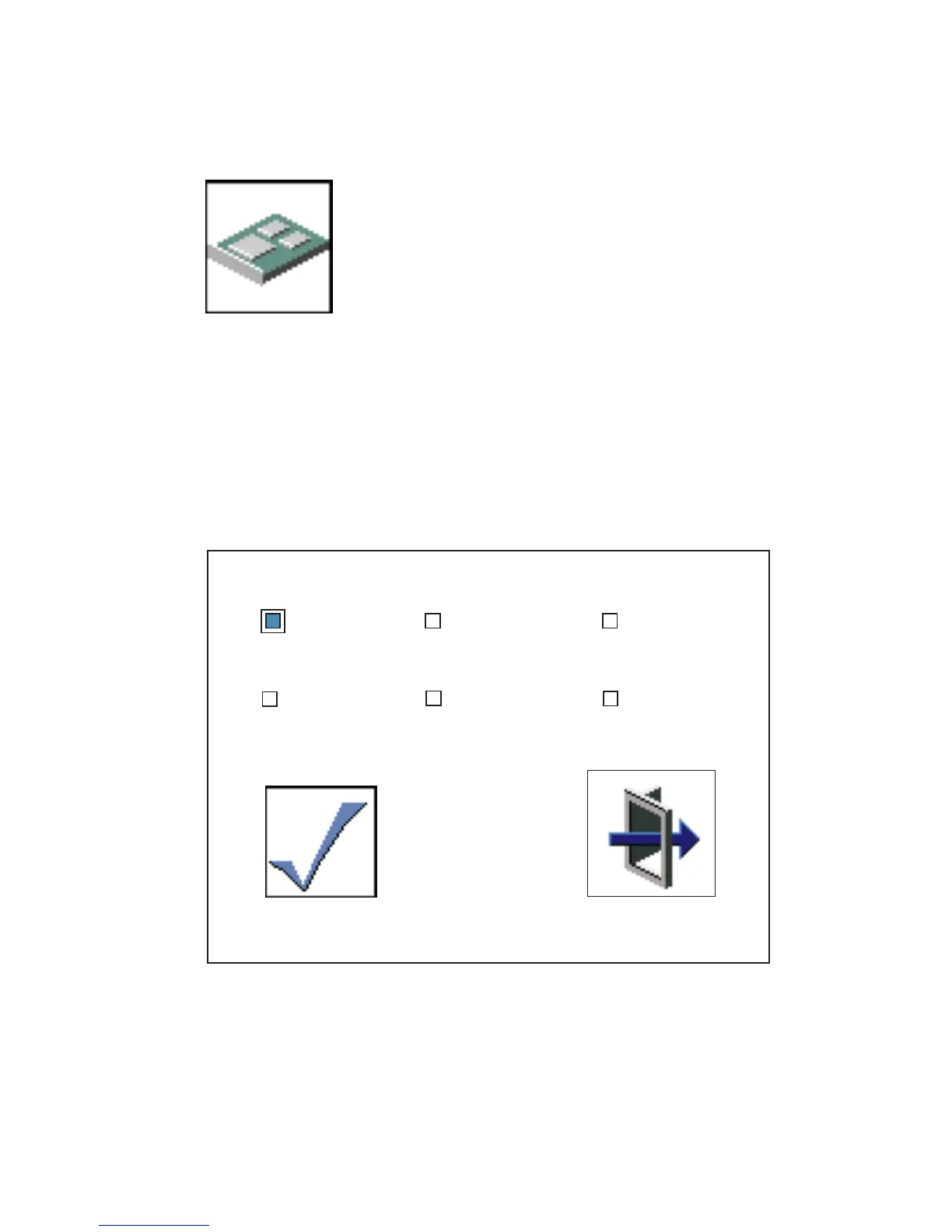
Config
The Config icon allows you to configure network adapters
that require setup.
Selecting the Config icon causes a list of the adapters requiring configuration to
display.
To use this screen, do the following:
1. Use the arrow keys or mouse to highlight an adapter to configure.
2. Press the spacebar to select the adapter.
3. Highlight the OK icon and press Enter.
Save
Exit
Data Rate
10 Mbps 100 Mbps
Yes
No
Auto
Auto
Full Duplex
236 Service Guide




 To Next Page