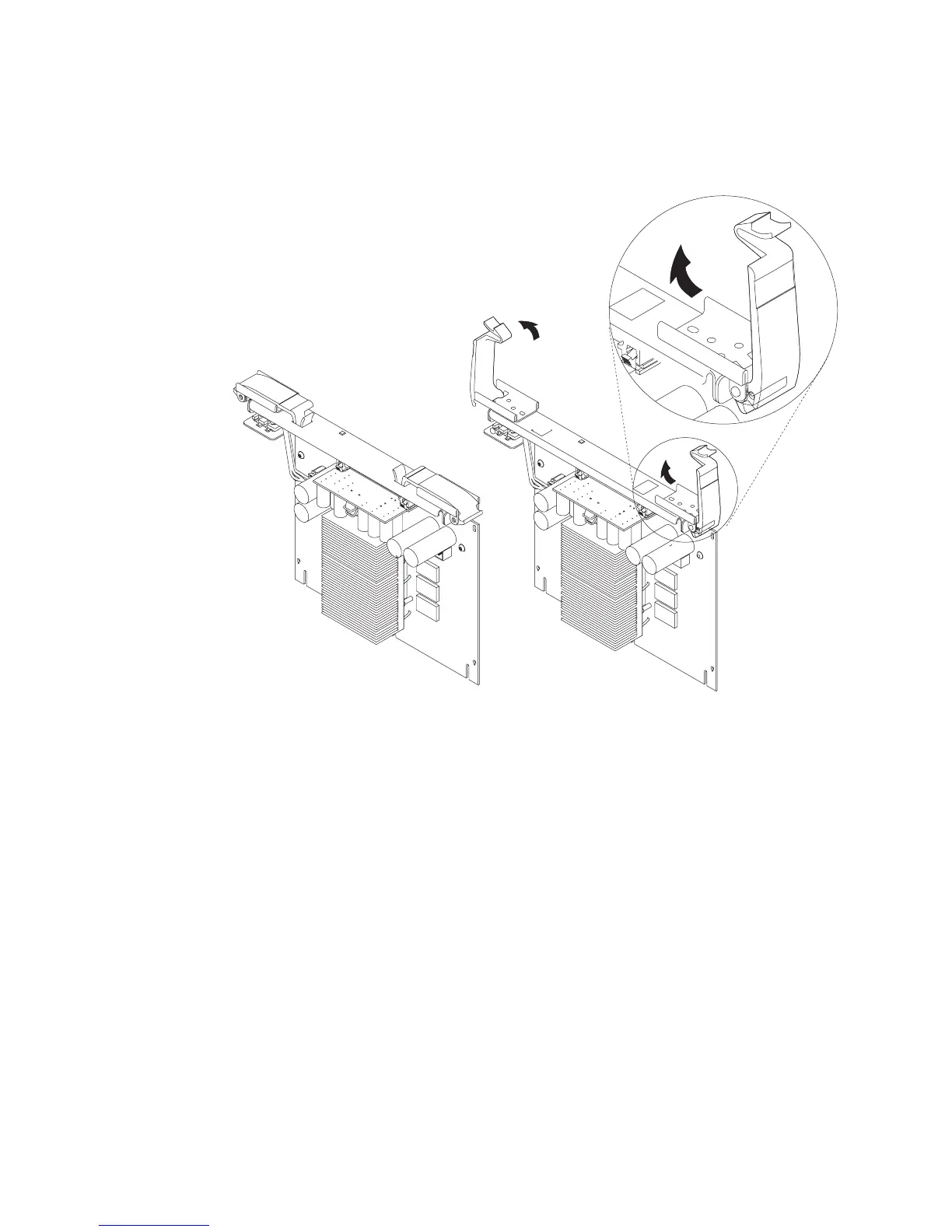
Attention: To prevent damage to the card and the card connectors, open or close
the retention latches at the same time.
7. Remove the card from the connector.
Replacement
1. Open the retention latches.
Both
retention latches should be in an upright position.
See the following illustration.
274 Service Guide




 To Next Page