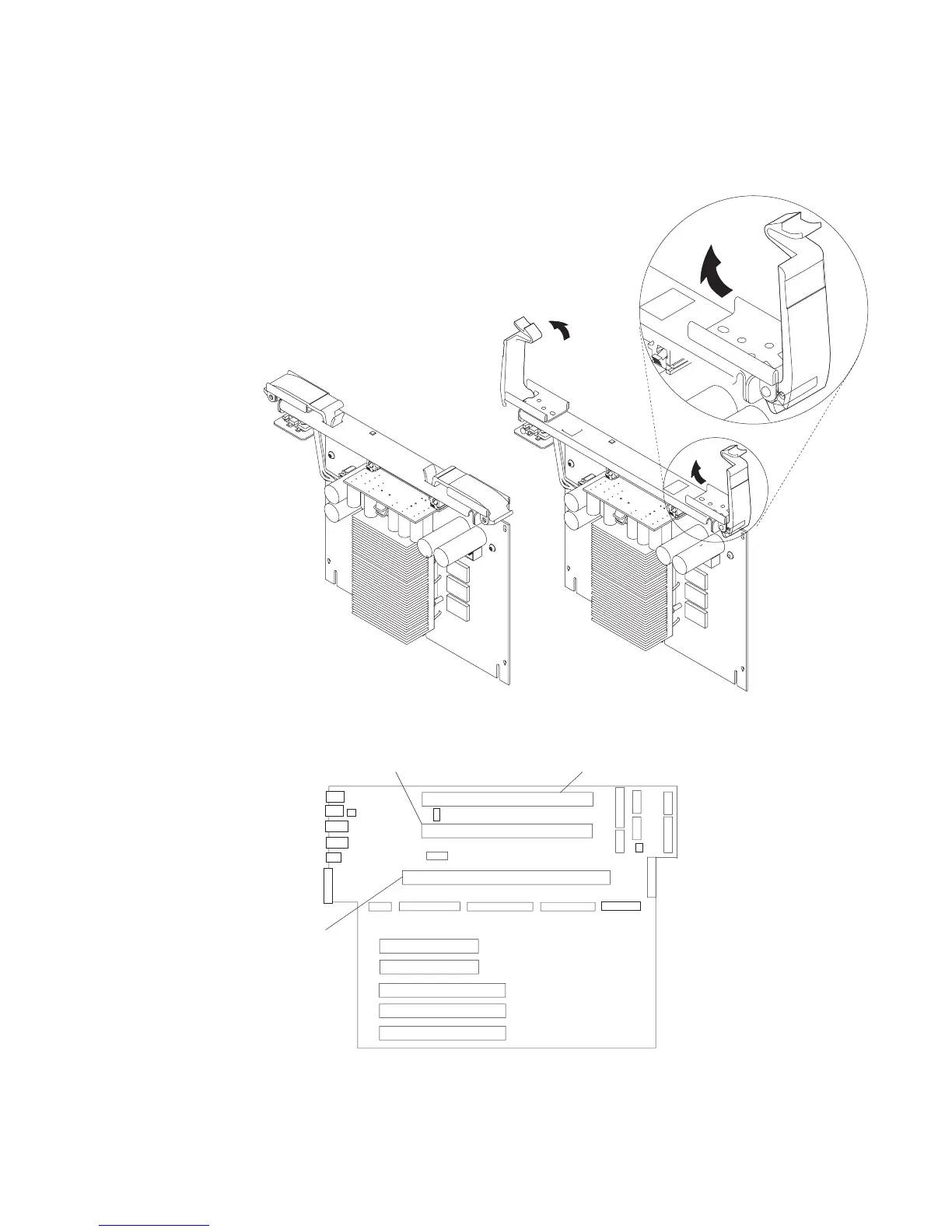
Attention: To prevent damage to the card and to the card connectors, open or
close both retention latches at the same time.
2. Align the card with the card guides and card connector.
Processor Card 1
Connector
Memory Card
Connector
Processor Card 2
Connector
3. Close the retention latches, securing the card into the connector.
4. Replace the covers as described in “Covers” on page 258.
Chapter 9. Removal and Replacement Procedures 275




 To Next Page