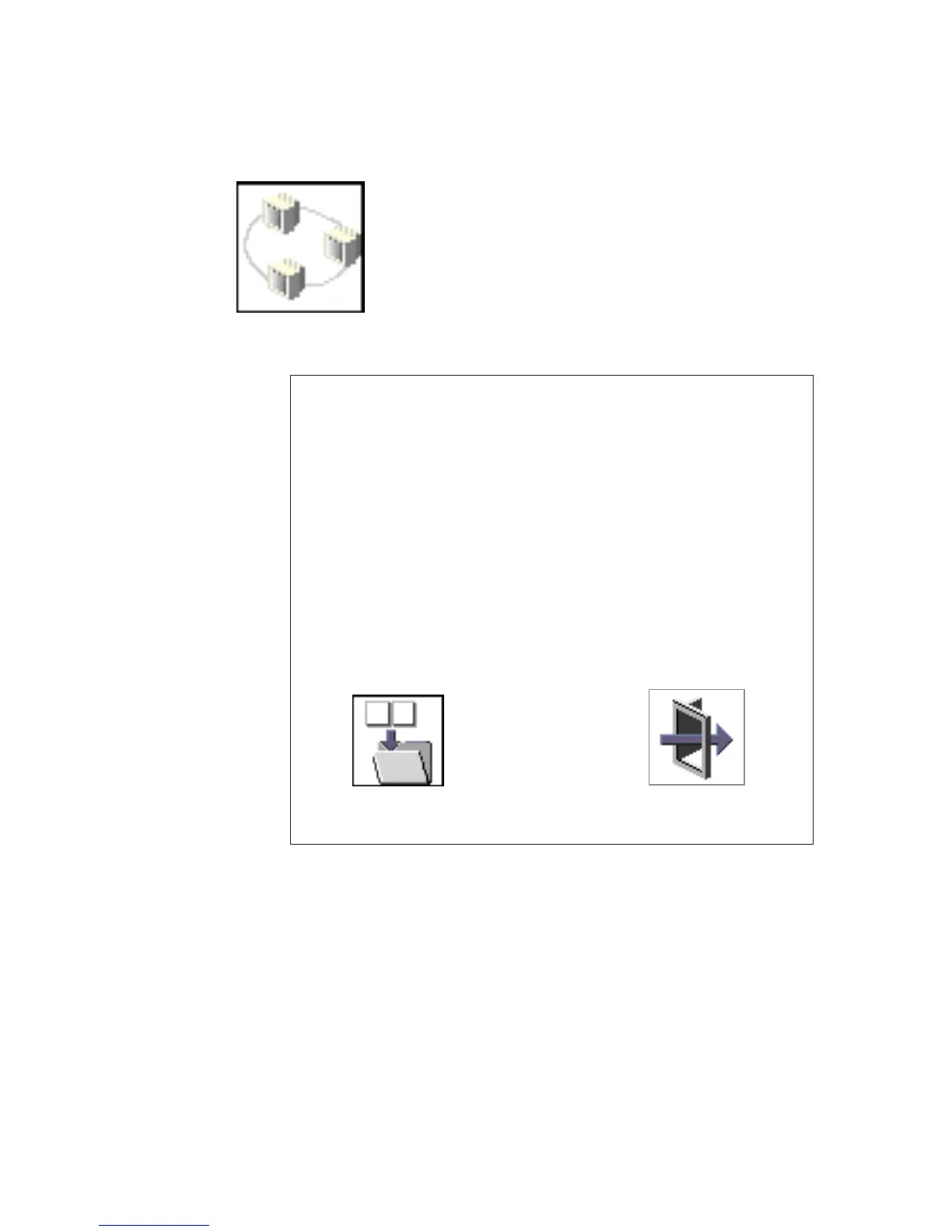
Set Address
The Set Address icon allows you to define addresses
from which your system unit can receive RIPL code.
Client Addr
Remote IPL Setup
Exit
000.000.000.000
000.000.000.000
000.000.000.000
Gateway Addr
Server Addr
Subnet Mask
Save
255.255.255.000
If any of the addresses is incomplete or contains a number other than 0 to 255, an error
message displays when you select the Save icon. To clear this error, correct the
address and select Save again.
Attention: If the client system and the server are on the same subnet, set the
gateway IP address to [0.0.0.0].
To change an address, press the backspace key on the highlighted address until the
old address is completely deleted. Then type the new address.
Chapter 8. Using System Management Services 233




 To Next Page