Replacement
1
2
3
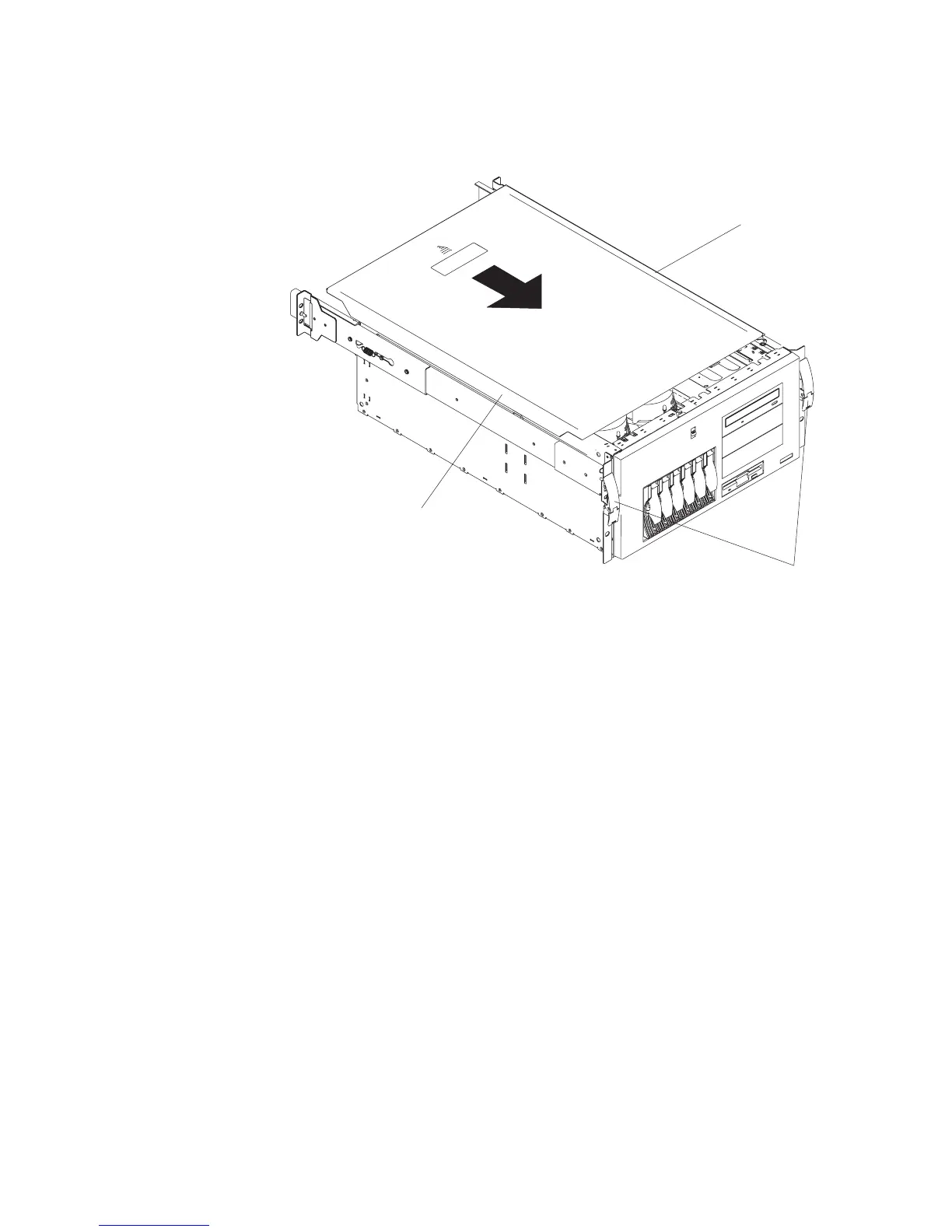
1 Top cover
2 Side latches
3 Flanges
1. Align the top cover (1) with the top of the system, about 25 mm (1 inch) from the
front of the system. The flanges on the left and right sides of the cover should be on
the outside of the system chassis.
2. Hold the cover against the system, and slide the cover toward the front of the
system until the cover clicks into place.
Chapter 9. Removal and Replacement Procedures 261




 To Next Page