Memory DIMM Removal
1. If you have not already done so, remove the memory card as described in “Memory
Card Removal” on page 266
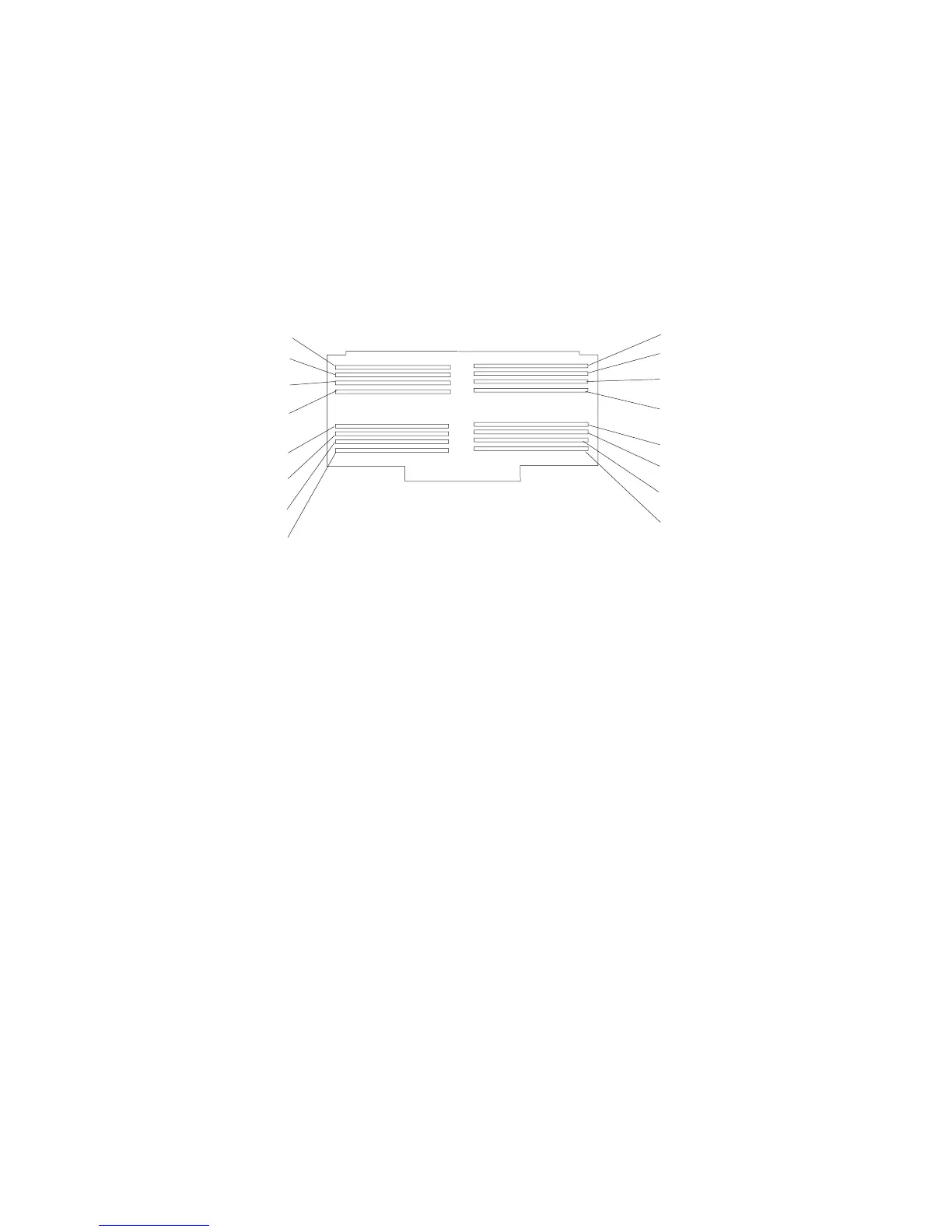
2. Locate the memory DIMM connectors, and determine which DIMM you want to
remove.
Note: Memory DIMMs must be removed in pairs from the correct slots. (Slots J1
and J2, J3 and J4, J5 and J6, and so on.)
Slot J1
Slot J3
Slot J4
Slot J2
Slot J5
Slot J6
Slot J9
Slot J10
Slot J11
Slot J12
Slot J13
Slot J14
Slot J15
Slot J16
Slot J7
Slot J8
Slot J1 Location P1-M1.1 Slot J2 Location P1-M1.2
Slot J3 Location P1-M1.3 Slot J4 Location P1-M1.4
Slot J5 Location P1-M1.5 Slot J6 Location P1-M1.6
Slot J7 Location P1-M1.7 Slot J8 Location P1-M1.8
Slot J9 Location P1-M1.9 Slot J10 Location P1-M1.10
Slot J11 Location P1-M1.11 Slot J12 Location P1-M1.12
Slot J13 Location P1-M1.13 Slot J14 Location P1-M1.14
Slot J15 Location P1-M1.15 Slot J16 Location P1-M1.16
268 Service Guide




 To Next Page