37
4
BASIC OPERATION
New2001 New2001
DRscreen
Selecting the Mode and the DR function (Continued) ■
SelectingtheDR(D-STARRepeater)function D
The DR (D-STAR Repeater) function is used for D-STAR
repeater operation. With this function, you can easily select
the programmed repeaters and Your call signs by rotating
[DIAL].
See page 44 for the DR function details.
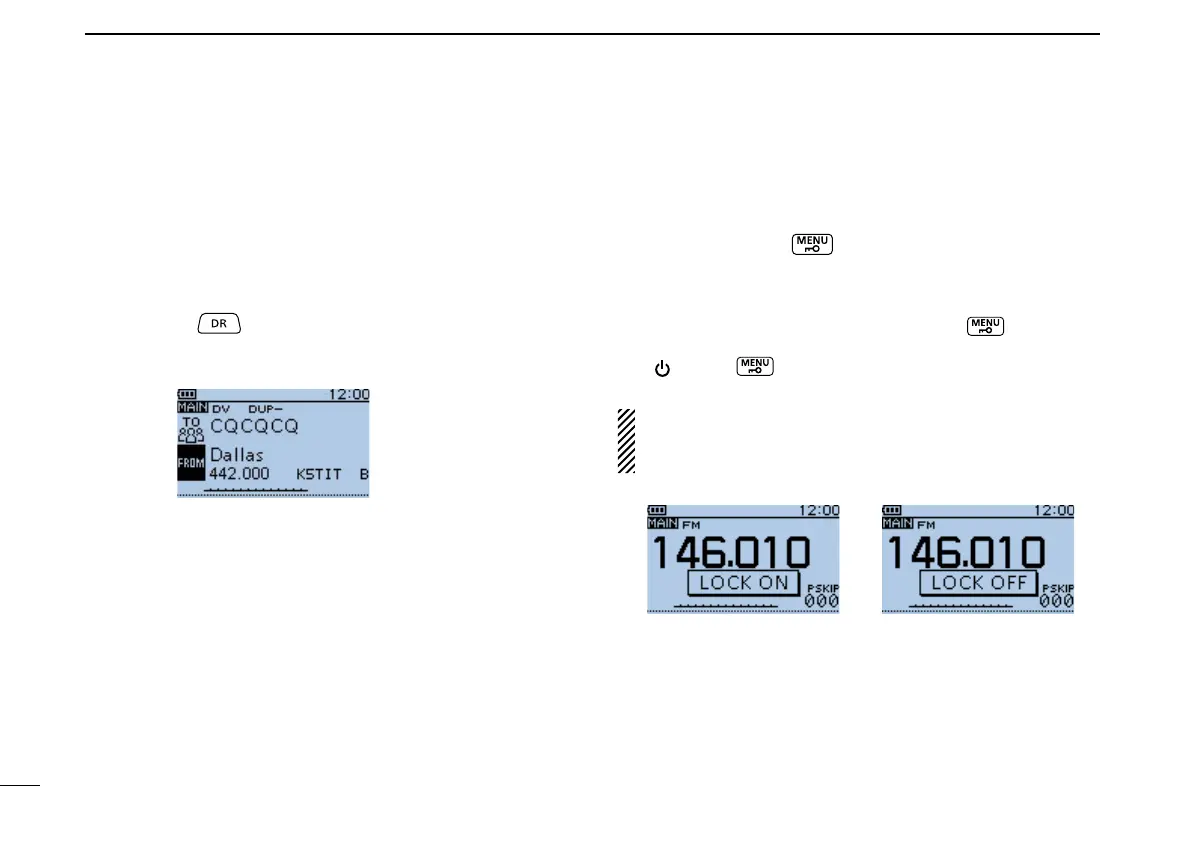
Hold down q
for 1 second.
•
Displays the DR screen.
Rotate[DIAL]toselectadesiredaccessrepeater. w
■ KeyLockfunction
Activate to prevent accidental frequency changes and unnec-
essary function access.
Holddown[LOCK] ➥ for 1 second to turn ON the Key
Lock function.
•WhentheKeyLockfunctionisactivatedandthelockedkeyor
[DIAL]ispushedorrotated,“LOCKON”appears.
•ToturnOFFthefunction,holddown[LOCK] for 1 second
again.
•[ ],[LOCK] ,[PTT],[SQL]and[VOL]canbeusedwhilethe
lock function is activated.
Either or both the squelch control and volume control can
also be locked in the Function menu.
MENU > Function > KeyLock (p. 27)
The function is ON The function is OFF


 To Next Page
 Loading...













