22
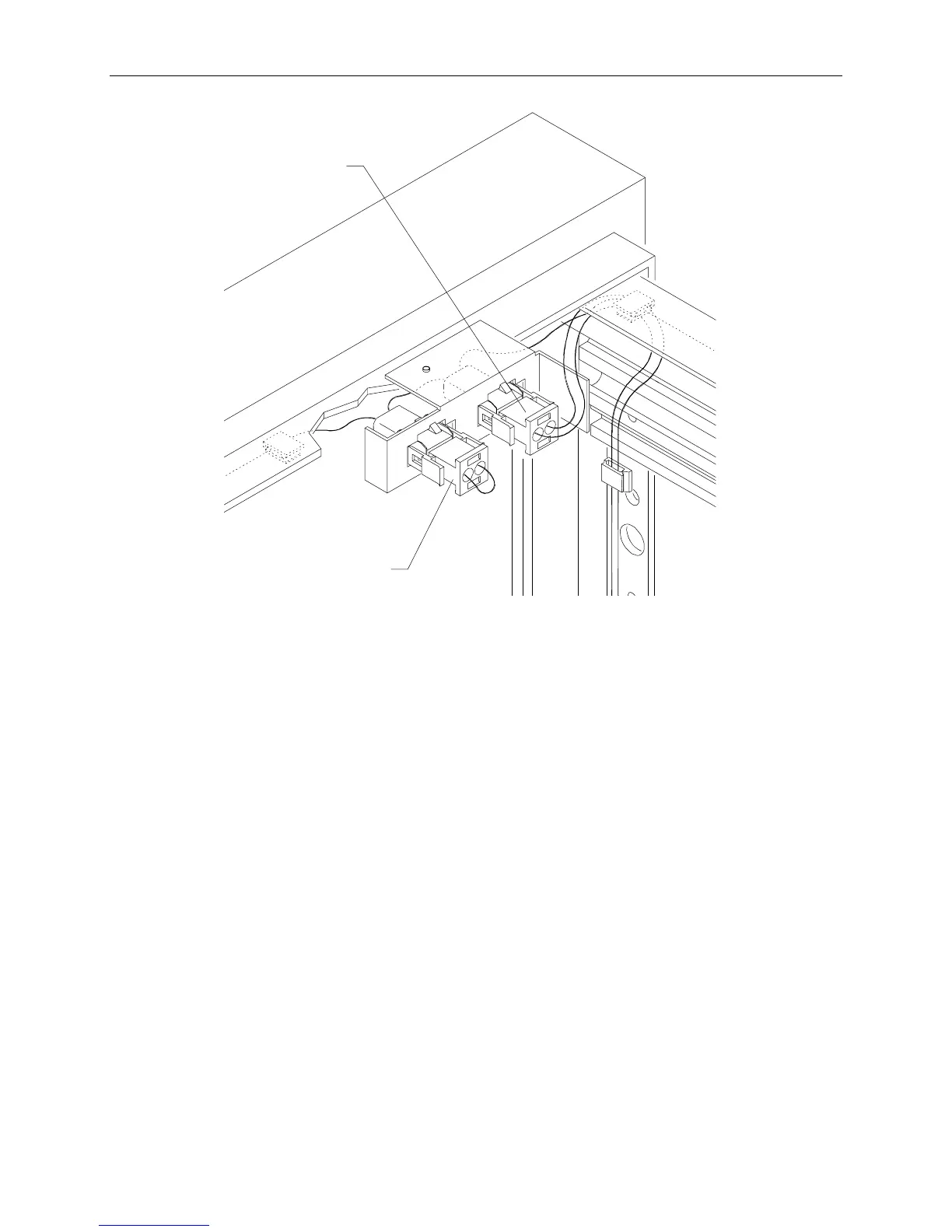
Loopback
Connector
Intruder Alert
Cable
To connect the intruder alert cable for adjacent racks:
1. For the system rack containing the base unit, connect the intruder alert cable as for an individual
rack.
2. Remove the loopback connector from the system rack, as shown in the following diagrams.
3. Remove the top access panel in each rack.
4. Connect the link cable to the socket in the base unit rack and to the empty socket in the options
rack, as shown in the following diagrams. The link cable must run through the access panel
openings in each rack.



 To Next Page