Wireless Access Point
User Guide
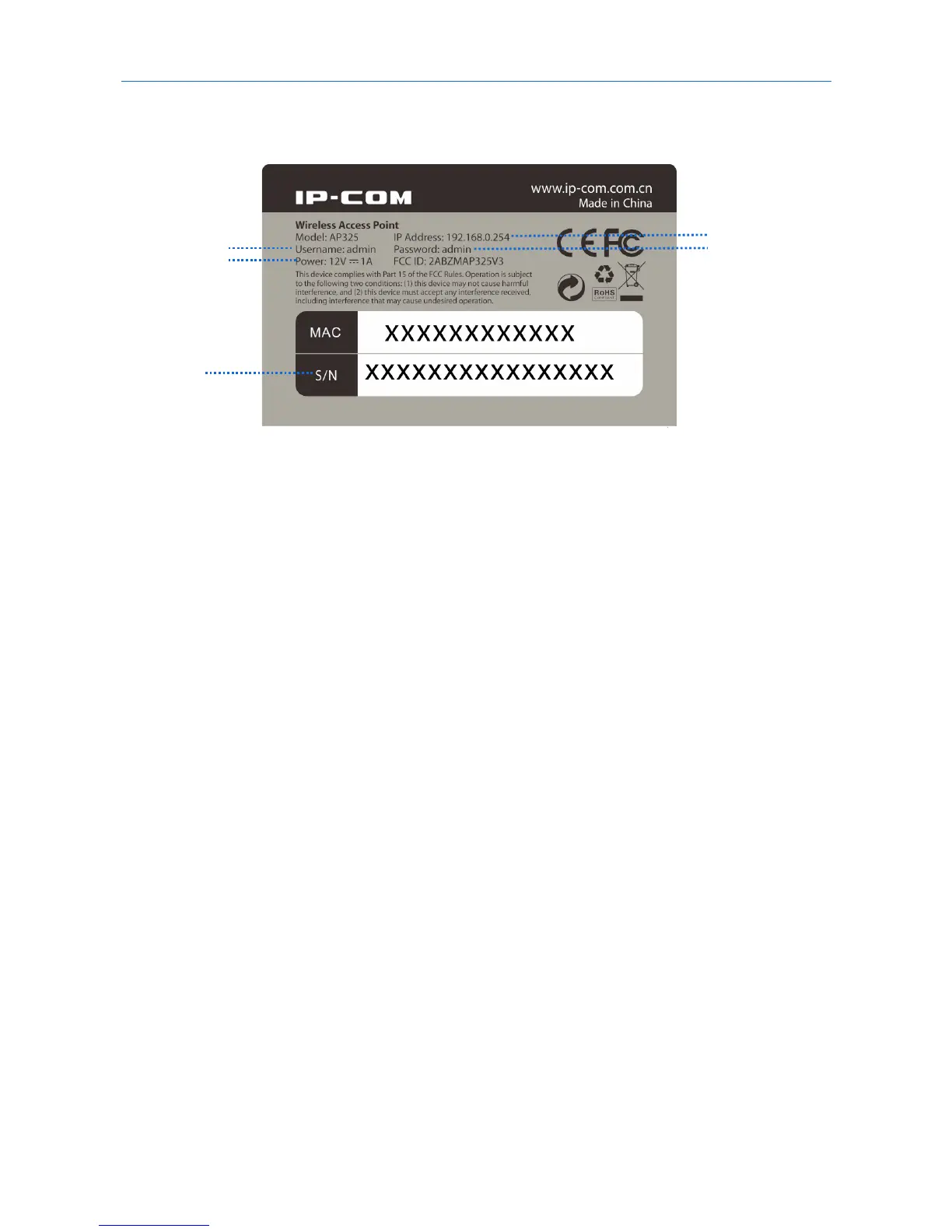
The bottom label shows the AP’s default IP address, login username and password, input DC power supply,
and serial number. See the following figure:
IP Address: It specifies the default IP address of the AP. You can use this IP address to log in to your AP’s
web UI when you set it for the first time. After you change the IP address, you should use the new IP
address to log in to its web UI.
Username/Password: It specifies the default login username/password used to log in to the web UI of the
AP. After you change the username/password, you should use the new username/password to log in to its
web UI.
Power: It specifies the input DC power supply of the AP.
S/N: It specifies the serial number of the AP. If the AP is faulty, you need to provide this serial number for
repair.



 To Next Page