It is recommended to change the settings only under the instruction of professional personnel, so as to
prevent wireless performance from getting worse.
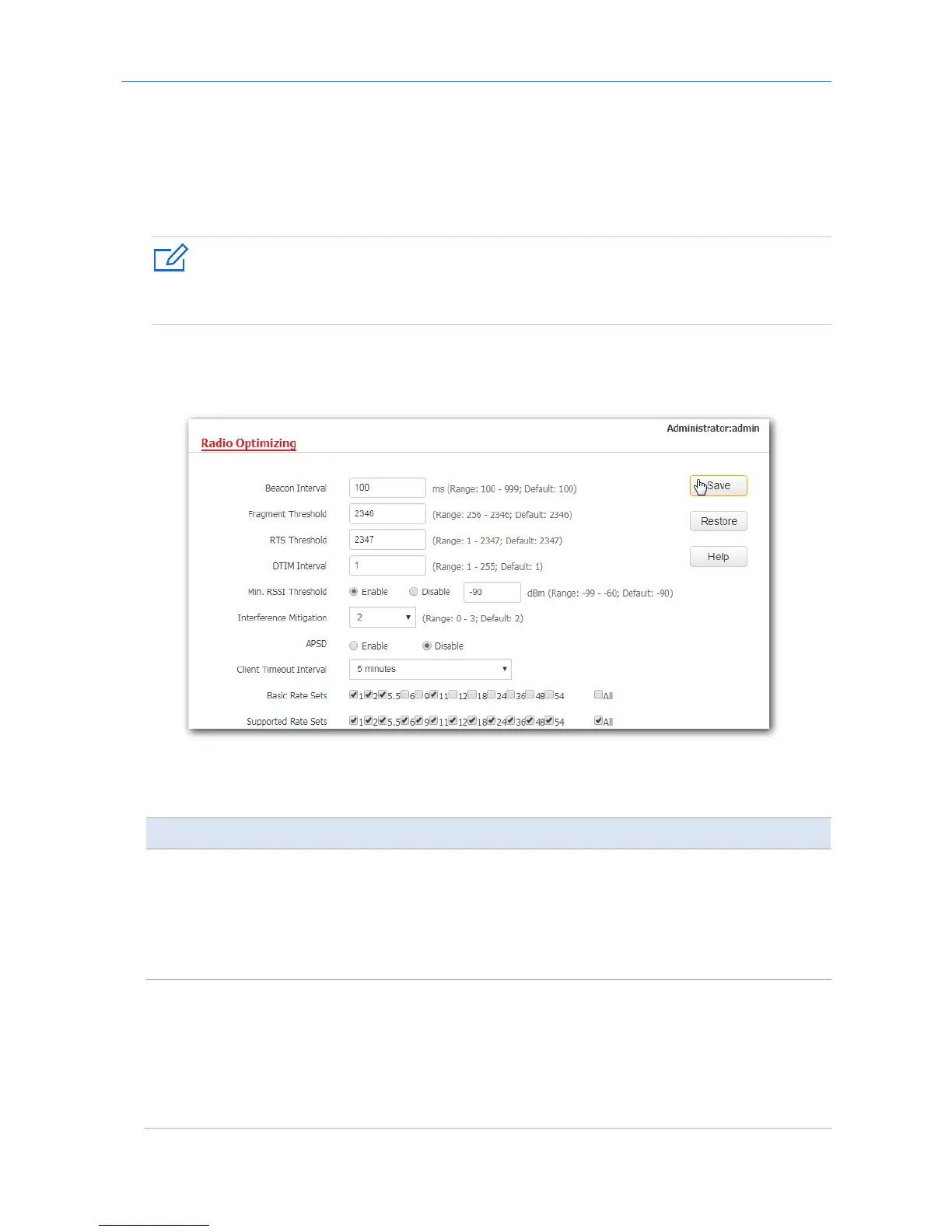
1. Choose Wireless > Radio Optimizing.
2. Change the parameter settings as required.
3. Click Save.
---End
Parameter description
Parameter Description
Beacon Interval
It specifies the interval for transmitting the Beacon frame. The value range is 100 to
999, with a unit millisecond.
The Beacon frame is transmitted at the specified interval to announce the presence of
a wireless network. Generally, a smaller interval enables wireless devices to connect to
the AP more quickly, while a larger interval ensures higher data transmission speed for
the AP.
Fragment
Threshold
It specifies the threshold of a fragment. The value range is 256 to 2346, with a unit
byte.
Fragmenting is a process that divides a frame into several fragments, which are
transmitted and acknowledged separately. If the size of a frame exceeds this threshold,
the frame is fragmented.
In an environment of high error rate, you can reduce the threshold to enable the AP to



 To Next Page