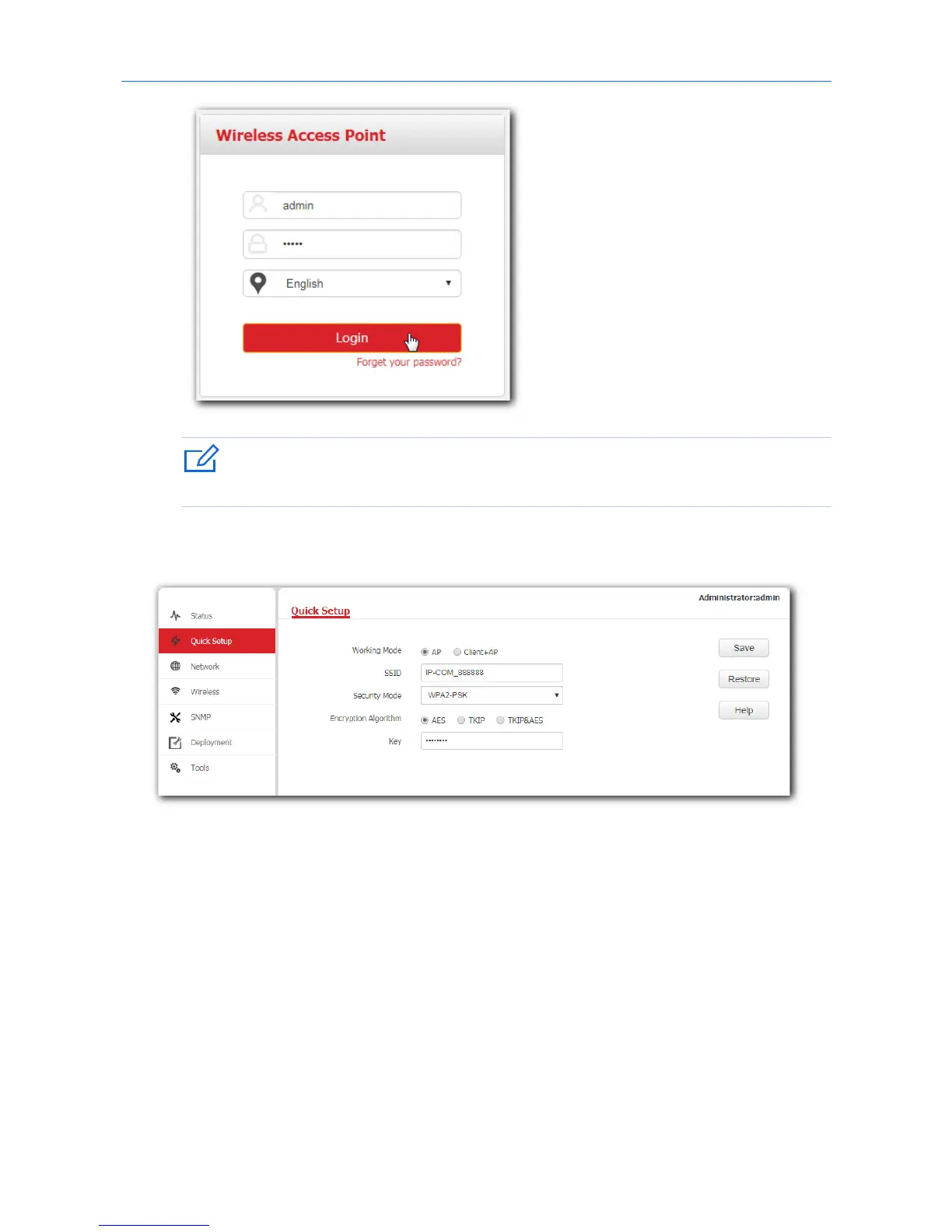
If your AP’s login page does not appear, refer to Q1 in Appendix B.
---End
Log in to the web UI of the AP successfully. See the following figure:
4.2 Logging out of the web UI of the AP
When you close the web browser, the system logs you out automatically, or if you log in to the web UI of
the AP but perform no operation within the login timeout interval, the AP logs you out as well. The
default login timeout interval of the AP is 5 minutes, and you can configure it yourself on the page Tools >
Date & Time > Login Timeout.
16



 To Next Page