When the AP reboots, all connections are released. You are recommended to reboot the AP in spare time.
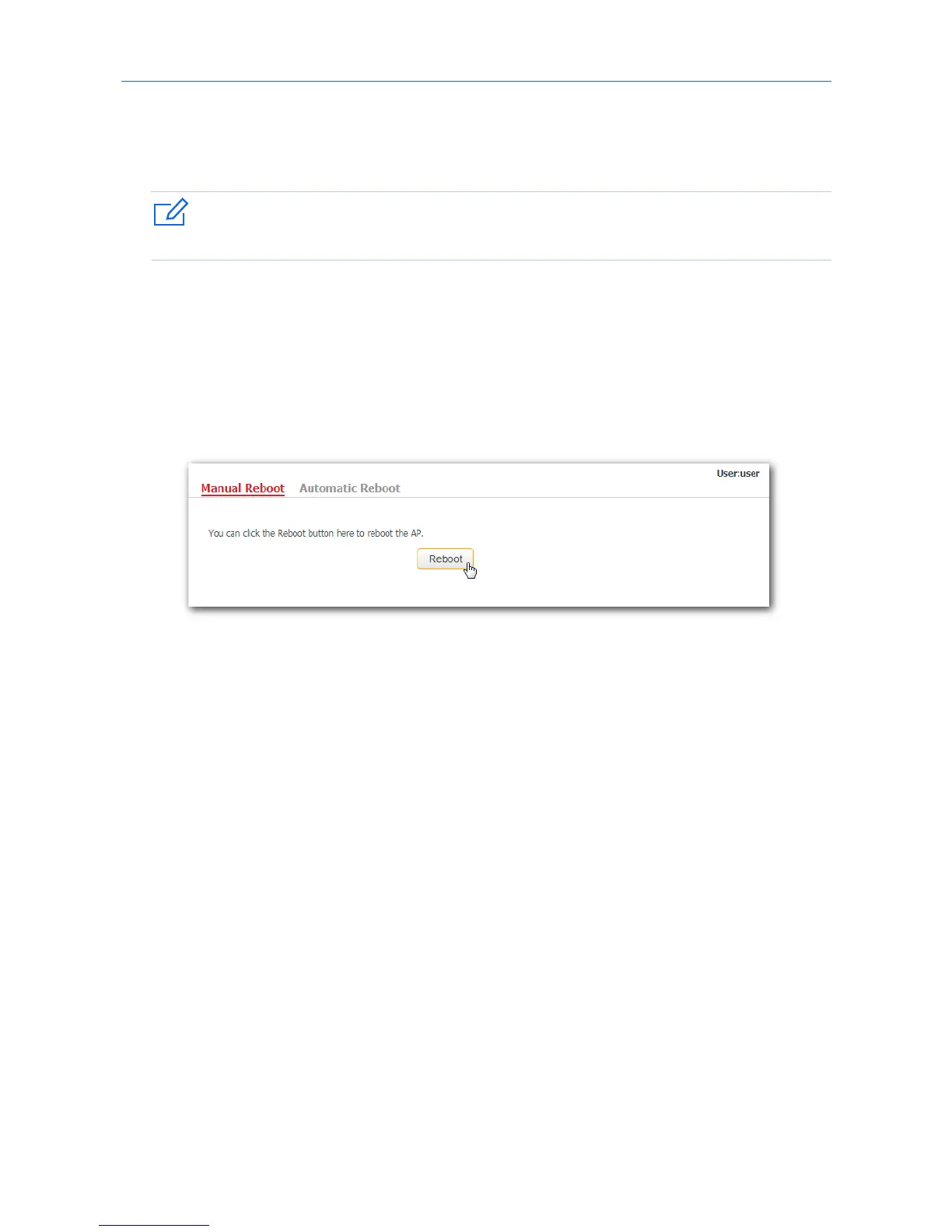
11.7.1 Manual reboot
If a setting does not take effect, you can try rebooting the AP to resolve the problem.
Procedures:
1. To access the page, click Tools > Device Reboot.
2. Click Reboot.
---End
11.7.2 Automatic reboot
This function enables the AP to reboot automatically as scheduled. You can use this function to prevent
wireless performance degradation or network instability that occurs after AP is online for a long time. The
AP can reboot:
− At intervals: In this mode, the AP reboots at the interval you set.
− At specified time: In this mode, the AP reboots regularly at the time you set.
Configuring the AP to reboot at an interval
1. Click Tools > Device Reboot and click the Automatic Reboot tab.
2. Tick the Enable Auto Reboot box.
3. Reboot Mode: Select At Intervals.
4. Interval: Set your required value, such as 1440 in this example.
5. Click Save.
97



 To Next Page