Wireless Access Point
User Guide
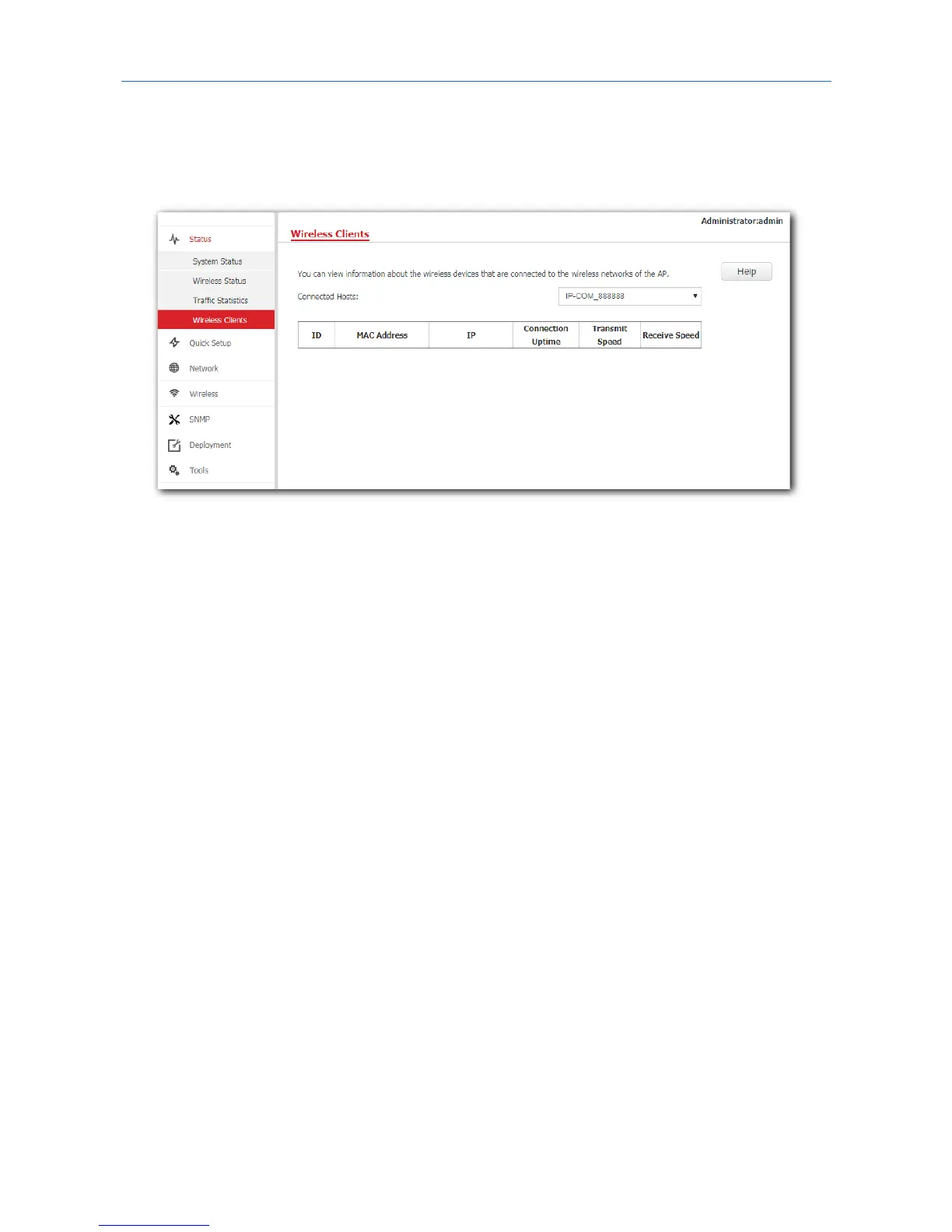
5.4 Wireless clients
This page displays information about the wireless devices connected to AP’s WiFi networks. To access the
page, click Status > Wireless Clients.
By default, this page displays information about the wireless devices connected to the primary WiFi
network. To view information about the wireless devices connected to the other three WiFi networks,
select the SSIDs from the drop-down list box.
22



 To Next Page