Wireless Access Point
User Guide
8 Wireless
8.1 Basic
8.1.1 Overview
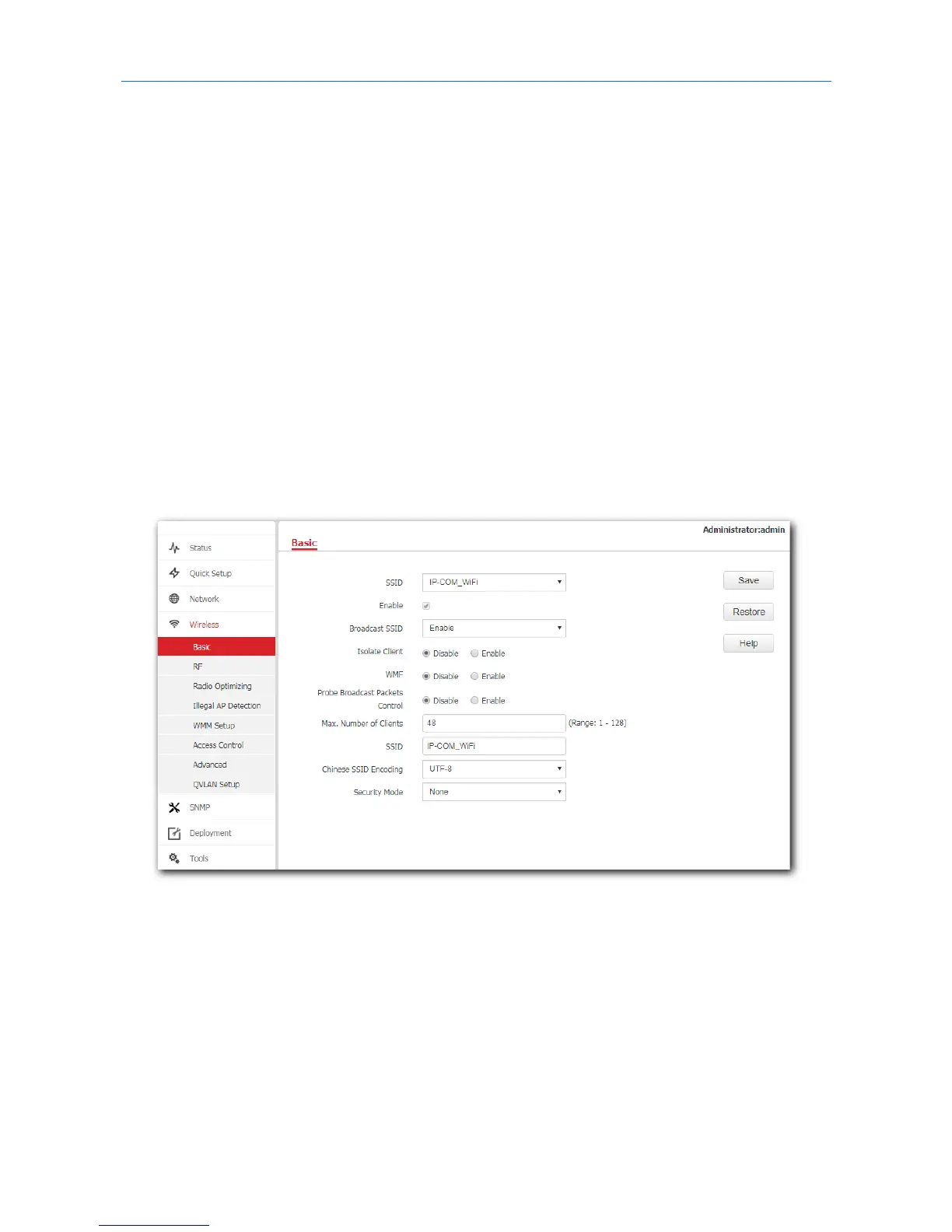
This module enables you to set SSID-related parameters of the AP. However, you are only recommended
to change the SSID, security mode but retain the other default settings. To access the configuration page,
click Wireless > Basic.
Broadcast SSID
When the AP broadcasts an SSID, wireless devices nearby can detect the SSID. When this parameter is set
to Disable, the AP does not broadcast the SSID so that nearby wireless devices cannot detect the SSID. In
this case, you need to enter the SSID manually on your wireless devices to connect to the WiFi network
corresponding to the SSID. To some extent, disabling broadcasting SSID enhances the security of the WiFi
network.
However, even though Broadcast SSID is set to Disable, a hacker can still connect to the corresponding
WiFi network if he/she manages to obtain the SSID by other means.
34



 To Next Page