Wireless Access Point
User Guide
System LED indicator
System LED
indicator
Solid on
- The system is starting.
- If the indicator is still solid on after the AP finishes startup, it
indicates that the system is faulty.
Blinking The AP is working properly.
Off
- The AP is not powered on.
- The LED indicator has been turned off.
- The AP is faulty.
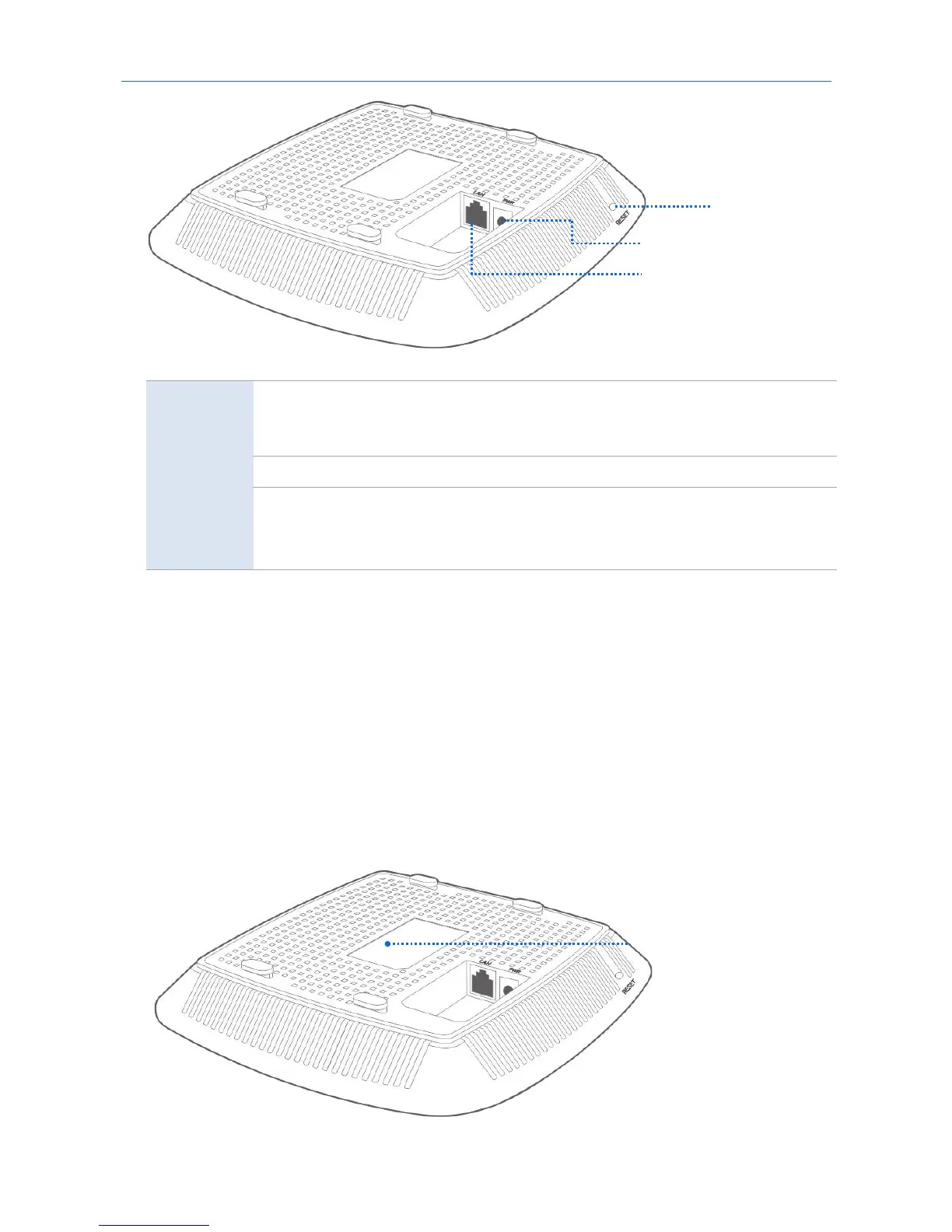
RESET button
When the system LED indicator blinks, hold down the RESET button for about 8 seconds. The AP is reset
successfully when the system LED indicator gets solid on.
LAN port
It is a 10/100 Mbps auto-negotiation port used to transmit data or supply IEEE 802.3af/at PoE power for
the AP using an Ethernet cable. You can connect this port to a router or a PoE switch.
PWR port
It is a power port used to connect to a DC power resource using the power adapter included in the
package.
1.2.2 Bottom label



 To Next Page