Wireless Access Point
User Guide
10.2 Configuring the deployment mode
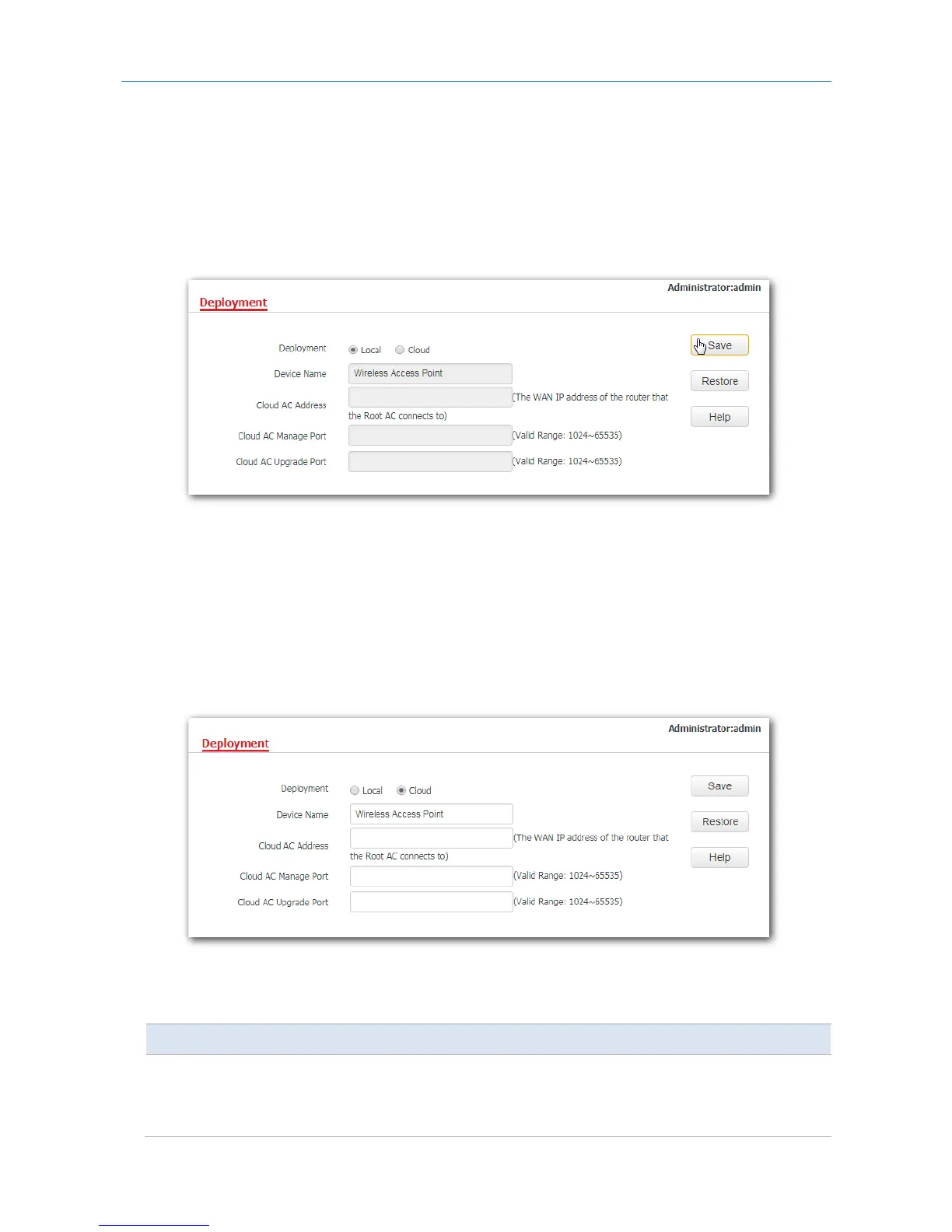
10.2.1 Configuring the local deployment mode
1. Click Deployment, and select Local.
2. Click Save.
---End
10.2.2 Configuring the cloud deployment mode
1. Click Deployment, and select Cloud.
2. Set related parameters, including device name, cloud AC address, cloud AC manage port and cloud AC
upgrade port.
3. Click Save.
---End
Parameter description
Parameter Description
Deployment
It specifies the deployment mode of the AP. The default option is Local.
−
Local: It indicates that the AP can be managed only through the AC
connected to the same local network.



 To Next Page