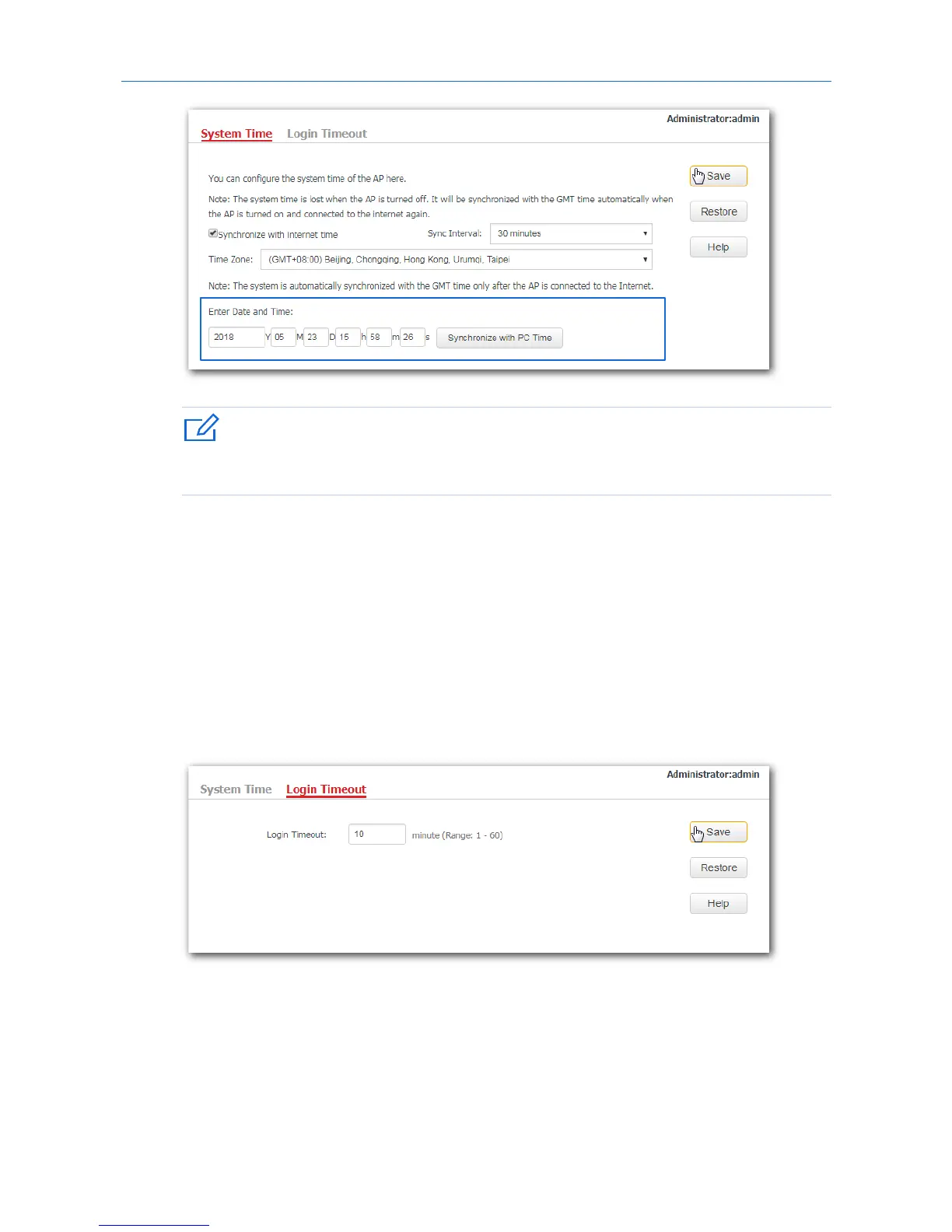
If you decide to synchronize the system time of the AP with the system time of the computer used to
manage the AP, make sure the computer’s system time is correct.
---End
11.2.2 Login Timeout
If you log in to the web UI of the AP and perform no operation within the login timeout interval, the AP
logs you out automatically. The default login timeout interval is 5 minutes.
Configuring the login timeout interval:
1. Click Tools > Date & Time, and click the Login Timeout tab.
2. Set the login timeout interval as required.
3. Click Save.
---End
87



 To Next Page