To prevent damaging the AP, ensure that the new firmware version is applicable to the AP before upgrading
the firmware, and keep powering on the AP during an upgrade.
Procedures:
1. Download the latest firmware version for the AP from http://www.ip-com.com.cn to your local
computer.
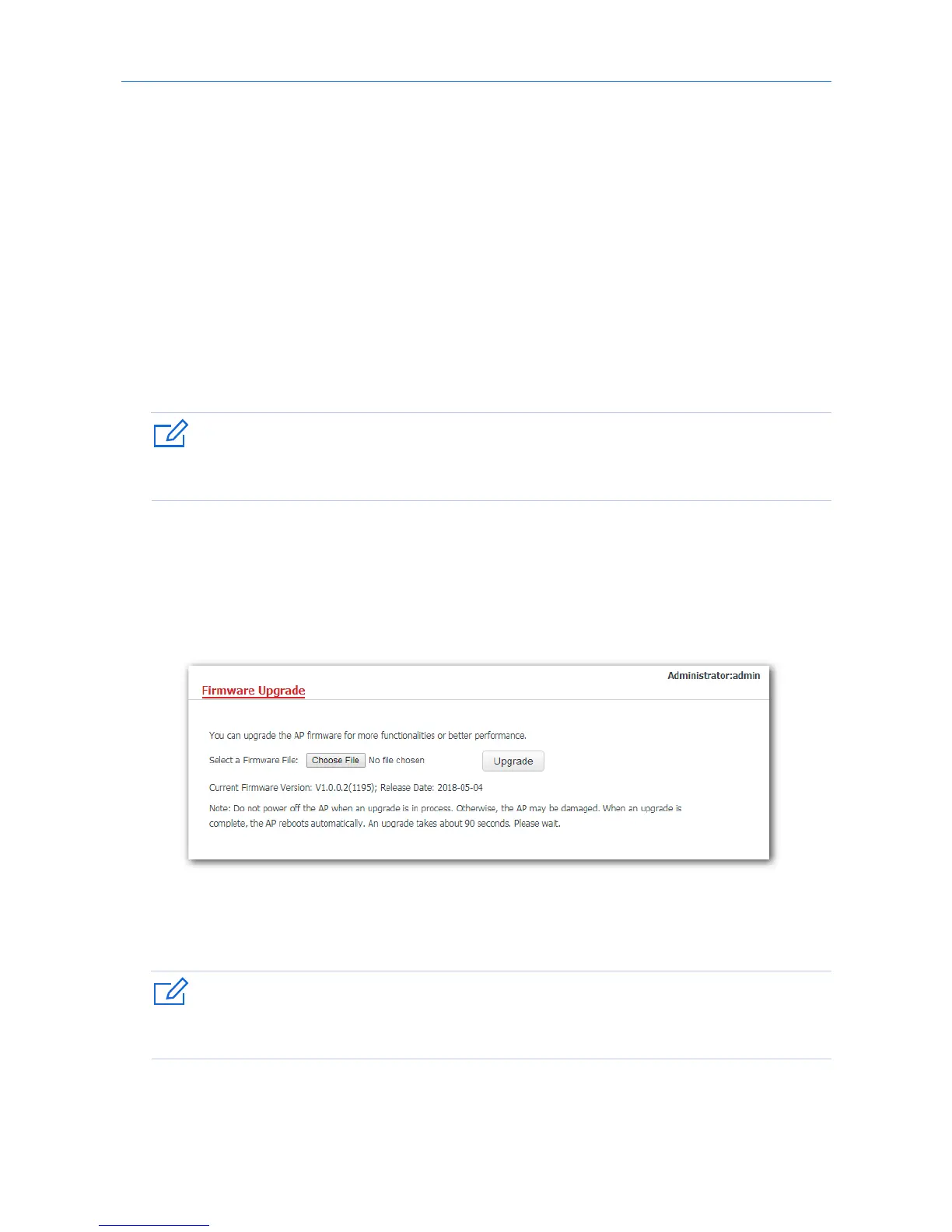
2. Log in to the web UI of the AP and click Tools > Firmware Upgrade.
3. Click Choose File and select the downloaded firmware file for upgrade.
4. Click Upgrade.
---End
Wait until the progress bar completes. Then log in to the web UI of the AP again. Click Status > System
Status and check whether the upgrade is successful according to the Firmware Version parameter.
After the firmware is upgraded, you are recommended to restore the factory settings of the AP and
configure the AP again, so as to ensure stability of the AP and proper operation of new functions.
84



 To Next Page