Wireless Access Point
User Guide
11.5 Account
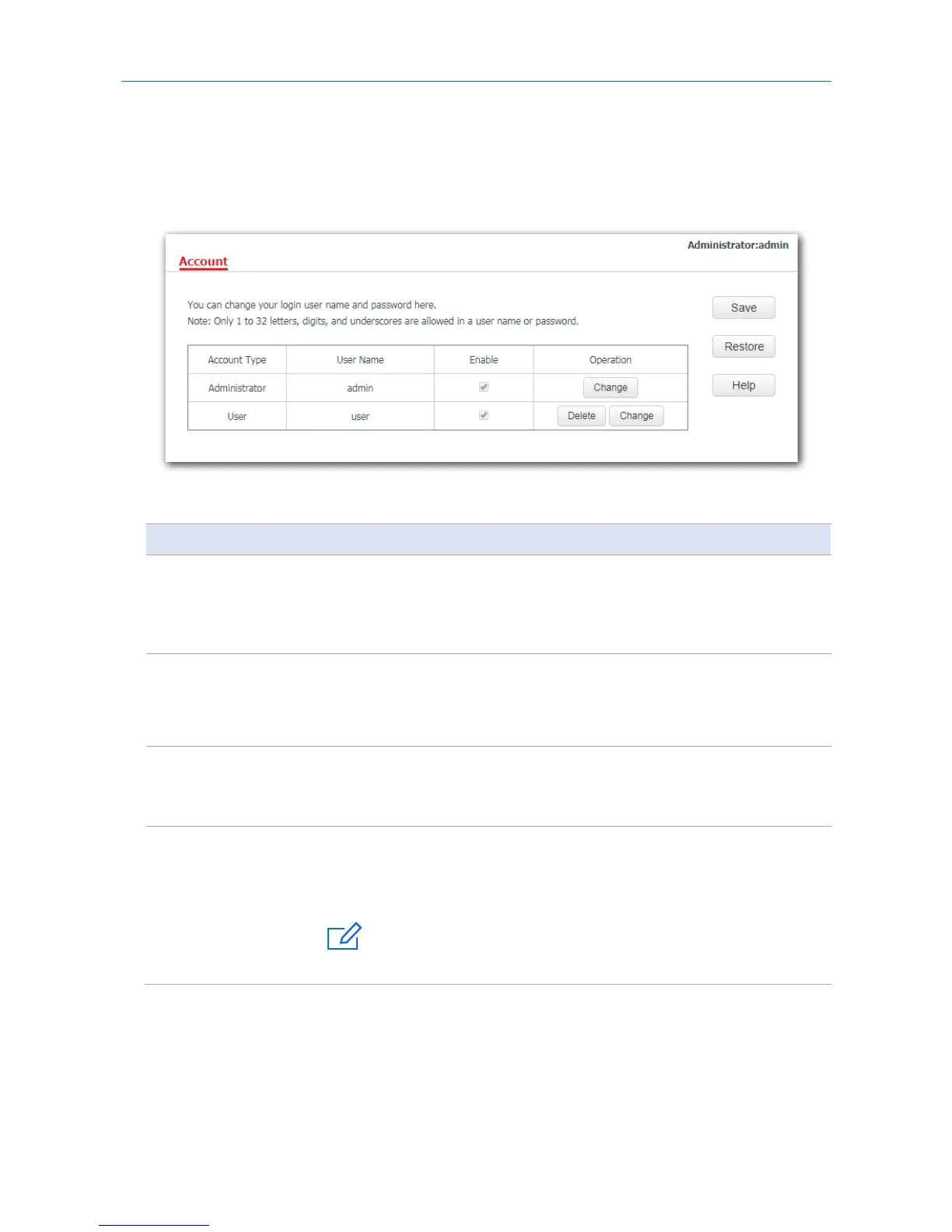
This page enables you to change the AP’s login account information such as user name and password to
prevent unauthorized login.
To access the configuration page, click Tools > Account.
Parameter description
Parameter Description
Access Type
It specifies the account used to log in to the AP’s web UI.
−
Administrator: It specifies the account enabling you to view and modify
settings of the AP.
−
User: It specifies the account only enabling you to view settings of the AP.
User Name
It specifies the user name of an account.
By default, the AP has one administrator account and one user account. Both the
default user name and password of the administrator account are admin, and both
the user name and password of the user account are user.
Enable
It specifies whether an account is enabled.
−
The administrator account is enabled for all time.
−
The user account is enabled by default but you can disable it if required.
Operation
Change: Used to change the user name and password of the account corresponding
to the button.
Delete: Used to delete the user account.



 To Next Page